Content creation has completely transformed in 2025, thanks to powerful AI tools. Whether you are a blogger, YouTuber, or social media manager, eye-catching visuals are essential to build an audience. The good news? You don’t need advanced design skills anymore. AI image generators can instantly create stunning visuals from simple text prompts.
These tools convert your ideas into high-quality images that save time, money, and creative effort. In this article, you’ll discover the Top 5 Free AI Image Generators in 2025—perfect for designing blog thumbnails, social media posts, banners, or product mockups.
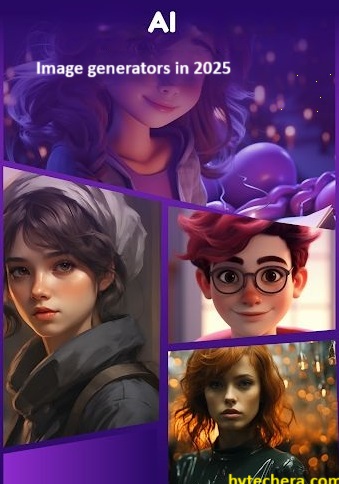
From my experience, AI image tools make content creation faster, especially when you need visuals regularly for blogs and social media.
Why You need to Use AI Image Generators?
These AI image generators are changing the way of create digital art and graphics. Here is why we need to use:
- No design skills needed – You doesn’t need to learn designing skills, just enter the prompt it will generate amazing images.
- Free to start – Most image generators are offering a free plan or limited daily generations.
- Unique content – These will generate unique images, which helps you to avoid using overused stock photo.
- Time-efficient – These tools has the ability to generate an images in seconds.
- Commercial use – Even in free trail it generate a stunning images, you can use it for commercial purpose also.
Also read —>> 10 Must Have AI Tools for Students in 2025 – Study Smarter, Get Better Results
I noticed that AI-generated visuals helped maintain consistency across different platforms without hiring a designer.
Who Can Benefit Most From AI Image Generators?
AI image generators are useful for anyone who needs visuals but lacks design skills or time. These tools simplify creative work and make visual content accessible to a wider audience. From solo creators to small businesses, AI-generated images help maintain quality without high costs.
AI image generators are especially useful for:
- Bloggers creating featured images and thumbnails
- YouTubers designing video covers
- Social media managers handling daily posts
- Small businesses building marketing visuals
From my observation, creators who publish frequently benefit the most from AI image tools.
Top 5 Free AI Image Generators in 2025:
1. Canva AI (Text-to-Image):
- Canva AI is the best tool for bloggers, marketers, content creators to design a stunning images.
Features of Canva AI:
- Canva AI has easy to use and smooth drag-and-drop interface.
- It generate a image based on the prompt that you given, and it is integrated with templates, brand kits and Canva editor.
- It is the best tool for creating Instagram posts, and posters.
Pros:
- Best for the ones who are beginner in generating a images.
- Works well in generating a thumbnails, ads, banners.
Free Plan: Yes, but with some limitations.
Based on my observation, Canva AI is the easiest starting point for beginners who want quick and clean designs.
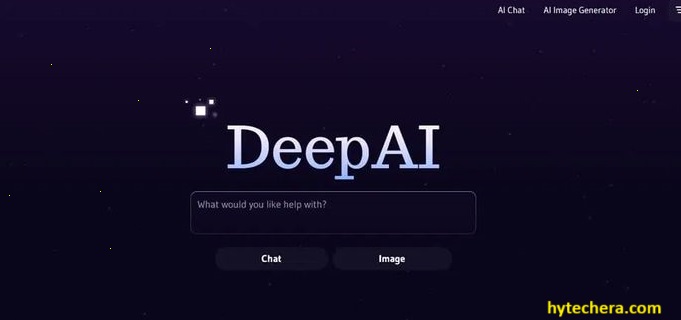
2. DeepAI:
- Deep AI is best for developers and minimalist users.
Features of Deep AI:
- It has a simple and easy interface to navigate.
- Deep AI has API access, which is best for developers to automate image generation.
- It can generate a image in seconds after giving prompt Input.
Pros:
- No signup required in order to access this tool.
- It is perfect tool for quick mockups or demos.
Free Plan: It comes with complete free access with limited premium API options.
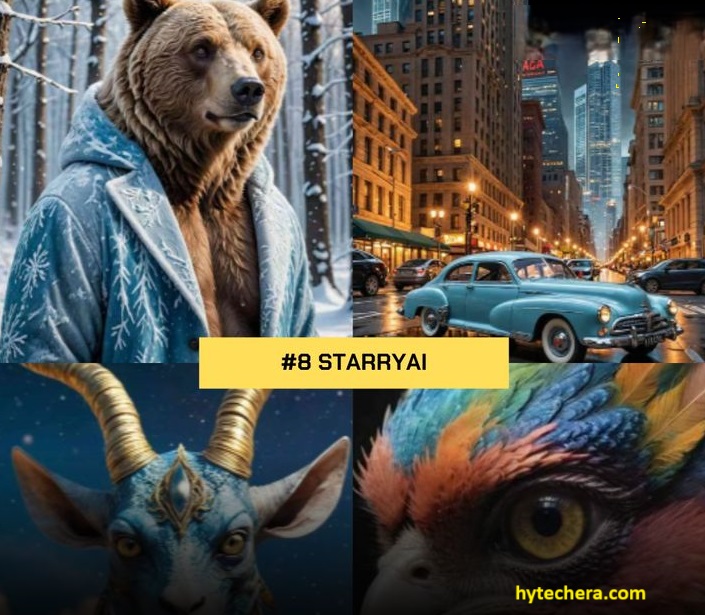
3. StarryAI:
- Best image generator tool for Artists, NFT creators and visual storytellers for their for branding and social media.
Features of Starry AI:
- This tool has the capacity to generate images from text.
- It provide option to choose over style, aspect ratio, and model, so that it matches to your vision of generation a image.
- Starry AI also has the option to save and download your images for later purpose.
Pros:
- It generate the image in multiple versions, so that you can pick the one that is best suite for you.
- The image that is generated by starry is comes with very detailed and artistic output.
Free Plan: Yes, but it gives you some free credits daily. You can only have an access until these credits are over.
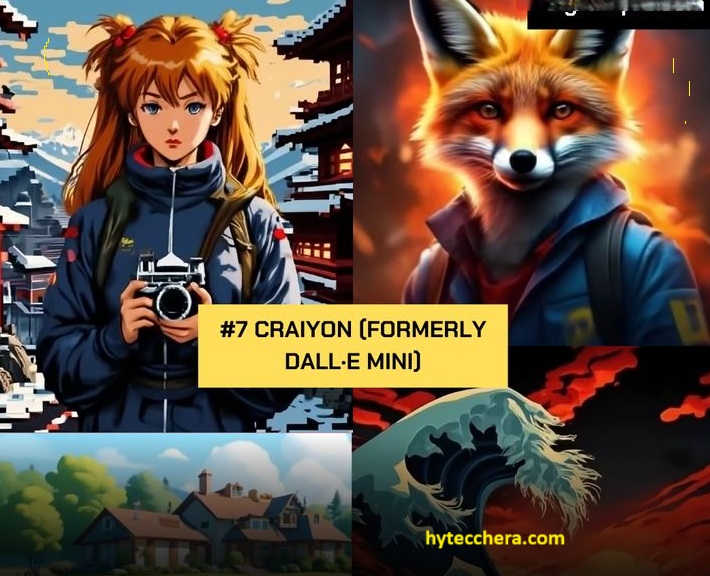
4. Craiyon (formerly DALL·E mini)
- If you are looking to generate fun projects, memes, concept visuals and cartoonish or experimental images, Craiyon is the best tool.
Features of Craiyon:
- No account is required to generate images for this tool.
- It gives the images with wide range of ideas and style in one go.
Pros:
- Very fast, and great for beginners who wants to generate fun projects, memes, concept visuals.
- Easy for casual use.
Free Plan: Yes.
5. Artbreeder:
- Best for portrait editing, facial features, characters, it is mostly used in gaming industries.
Features of Artbreeder:
- It has gen editing interface, which is used to blend and tweak facial features, colors, and styles.
- It has the ability to create unique characters for stories, games, or comics.
Pros:
- With this you can create a very realistic faces that look amazing.
- It provides a realistic morphing feature, So when you make changes, the face updates immediately on your screen.
Free Plan: Yes, But it limits download option.
Are AI-Generated Images Safe to Use for Blogs and Monetization?
Many creators worry about using AI-generated images for monetized content. Most free AI image generators allow usage for blogs and social media, but limitations may apply. Checking usage rights helps avoid issues later, especially when running ads or selling products.
Before using AI images, always:
- Review each tool’s licensing terms
- Avoid generating copyrighted characters
- Use original prompts for unique visuals
- Credit the tool if required
In practical use, checking usage terms once prevents long-term problems.
Choosing the Right AI Image Generator:
Here i provide quick guide to help you how to choose the right tool. So that it will be helpful for you to decide.
- Try Canva AI — If you want create blog banner and thumbnails.
- Go with StarryAI — for branding and social media, for for Artists and NFT creators.
- Artbreeder — for portrait editing, facial features and characters.
- DeepAI — best for API integration and developers.
- Craiyon — for fun projects and memes.
From what I have seen, choosing one tool and using it consistently gives better results than switching between many tools.
How to Write Better Prompts for AI Image Generators
The quality of AI-generated images depends heavily on the prompt. Clear and descriptive prompts help the AI understand your vision and produce better visuals. Adding details about style, colors, and mood improves output significantly.
To get better results:
- Describe the subject clearly
- Mention style (realistic, illustration, cartoon)
- Specify colors, lighting, and background
- Keep prompts simple but detailed
From my experience, small prompt changes can greatly improve image quality.
Final thoughts:
These tools has changed the content creation in 2025, these AI image generators had a crucial role in the content creation visuals and to build audience. Whether you are just starting a blog or running YouTube channel, or managing social media, these tools helps you to save you time and boost creativity.
Don’t wait, try one or more of these free AI tools today and let me know in comments, which one you like.
FAQs:
1. Are these tools really free?
- Most of these tools are free, but comes with some limitations.
2. Can I use AI-generated images for commercial use?
- most of them allows to use it, but always check individual licensing terms.
3. Do I need design skills to use these tools?
- No, you don’t need to have any design skills to use these tools. These are beginner-friendly and prompt-based.