Canva is a tool which is used to create a stunning visuals easily for both beginners and professionals. When it comes to graphics design nothing beats Canva, it made the process easy without the need of any expert skills. Canva has some hidden features which can transform your design into next level. If you are not yet exploring this features try it out now.
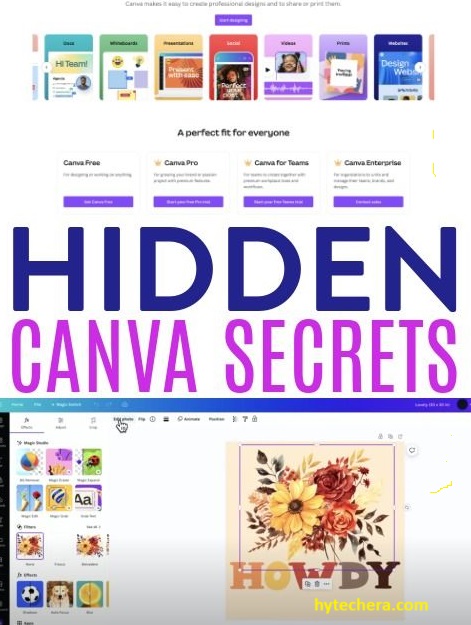
In these article we will explore top 10 hidden Canva features you need to try in 2025, which saves you hours of time in graphic design.
Also read –>> Top 10 Must-Have YouTube Automation Tools to Explode Your Channel Growth in 2025
While working on blog graphics and social media designs, I realized that Canva offers many advanced tools that are easy to miss but extremely useful once discovered.
Why Many Canva Users Never Discover These Features
Most Canva users rely only on templates and basic drag-and-drop tools, which means many powerful features remain unnoticed. This usually happens because Canva’s interface is designed to feel simple, so advanced options are hidden behind small icons or secondary menus. As a result, users often spend more time designing than necessary, even though faster solutions already exist within the platform.
Understanding these hidden features helps designers work more efficiently and create polished visuals without switching to complex design software. Once these tools are discovered and used regularly, Canva feels less like a basic design tool and more like a complete creative workspace.
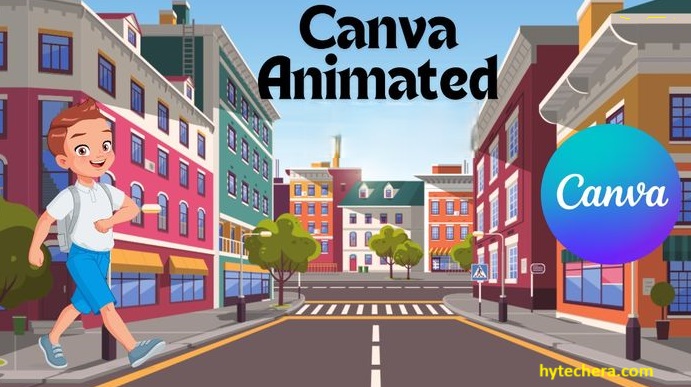
Animation Features of Canva: Brings life to your design
Animation tool is One of the best hidden feature in Canva app to transform your design. It is easy to ignore this feature but it can add greatest motion to your design. Because of this your designs looks more charming in social media, website and presentations.
- This tool has various effects like fade, raise and pan. You can choose from those effects for effective design.
- This tool can turn your image and text into animation with smooth changes.
This will surely change the way of design in graphics in 2025.
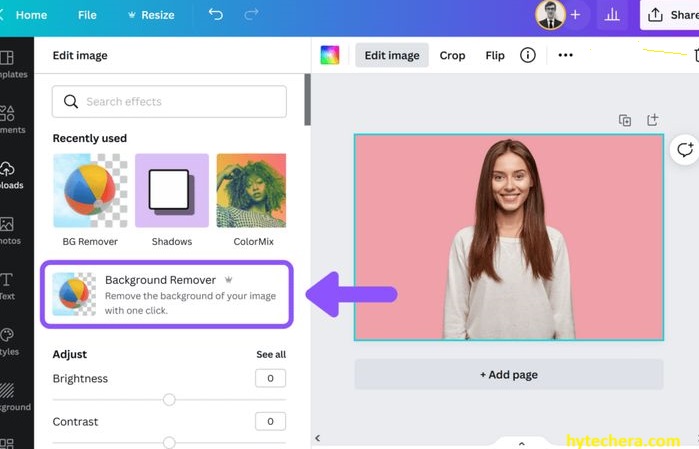
Canva Background Remover:
Troubling to remove the unwanted background from the image. This hidden feature called background remover will definitely helps your to remove the unwanted background from your image with single click.
- This tool help you to save the hours of your editing time for your website design or online store.
- It will help you to create a perfect background for your logo or for product images.
This hidden feature is perfect for anyone who is the field of ecommerce or content creation.
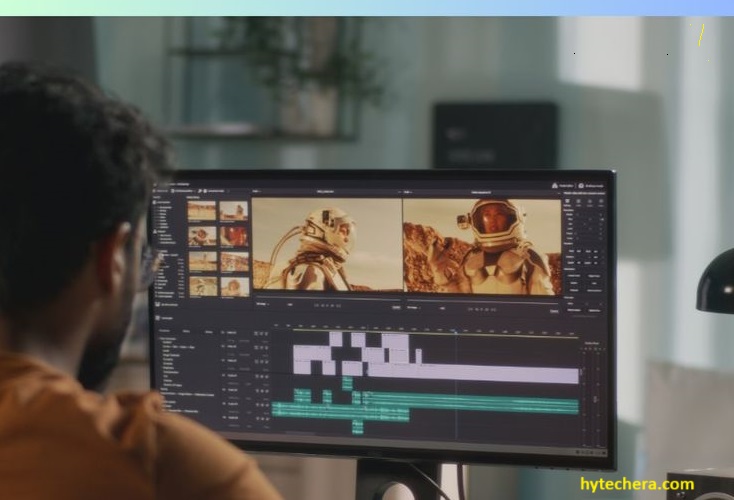
Video Editing Capabilities :
Canva is not just a graphic design tool, it also has the video editing features integrated with in it.
- This hidden feature has Trim clips, add filters, and even insert animations in it.
- Without any expensive software we can create a professional looking videos with this hidden feature of Canva editor.
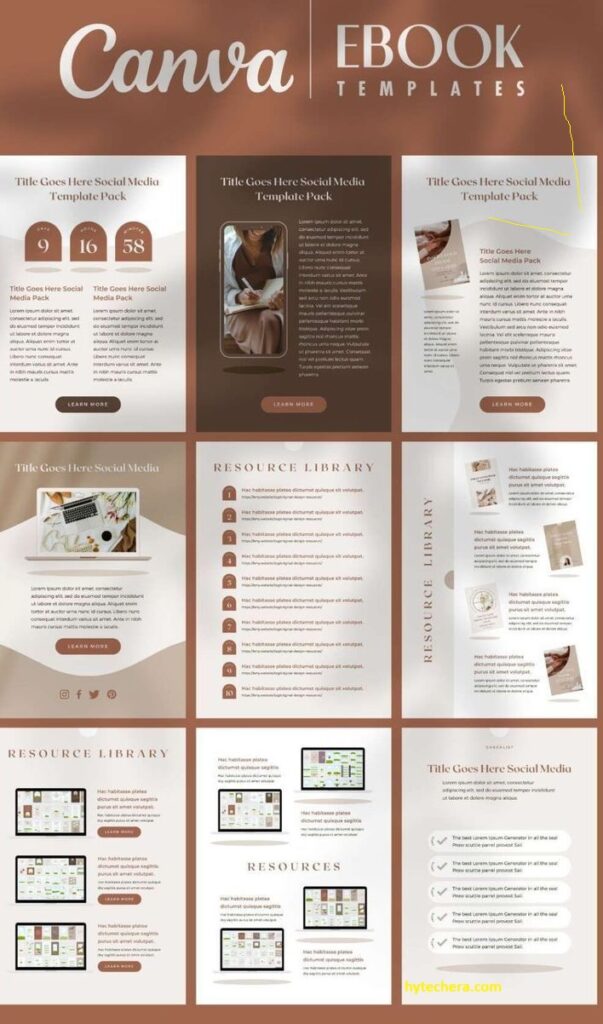
Canva templates for professionals :
If you want to create an impressive business and educational presentations quickly, then we must use Canva’s presentation templates feature. With this Canva’s presentation templates you can save time as well.
- It has a lot of pre-designed power point templates, from those you can choose one what ever it requires for you.
- One thing i would love from this feature is, it can add animations to your slides.
Canva’s Smart Mockups:
With this hidden feature you can try your design in real world settings, like you can show off your design in t-shirt, posters, books and more.
- This feature helps you to visualize your design in realistic context.
- Canva’s Smart Mockups feature is vey helpful to showcasing your product, website and app in a professional way.
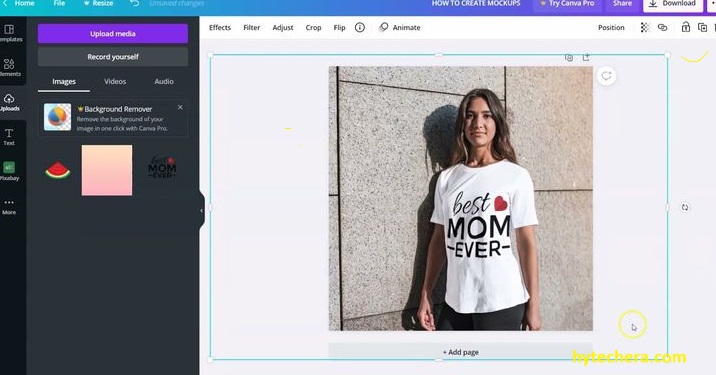
Using this feature regularly helped reduce the time spent switching between design tools and made the workflow much smoother.
Canva Docs:
It is very helpful for the teams who works on documents at same time, without sending the files back and forth.
- you can create a text based document by using this feature, so that everyone can add their ideas in real time.
- The best thing about this feature is you can drag and drop image, charts or graphs into the documents. Which brings more professional look to document.
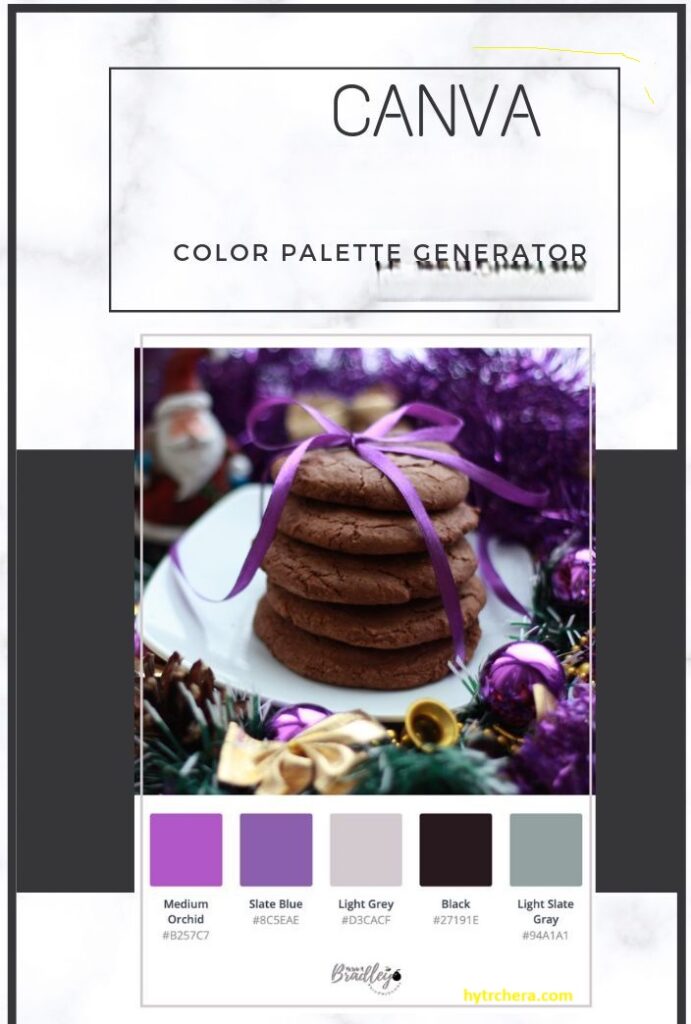
Canva Color Palette Generator:
Canva Color Palette Generator is the most useful hidden Canva feature. It can add color palette automatically based on the image color after dropping the image.
- By using this you can get a professional color combination for your project.
This is the must try feature for designers.
Canva Music Library:
This is very useful feature, Which adds background music to your social media posts and videos. You can also add a perfect music track for to your videos, without the need of any external music apps.

Canva Translate:
This is the most loveable feature, which translates text on your design into different languages. Which is very helpful for your product advertisement in different languages. With this hidden feature you can create a content for diverse audiences.
Content Planner:
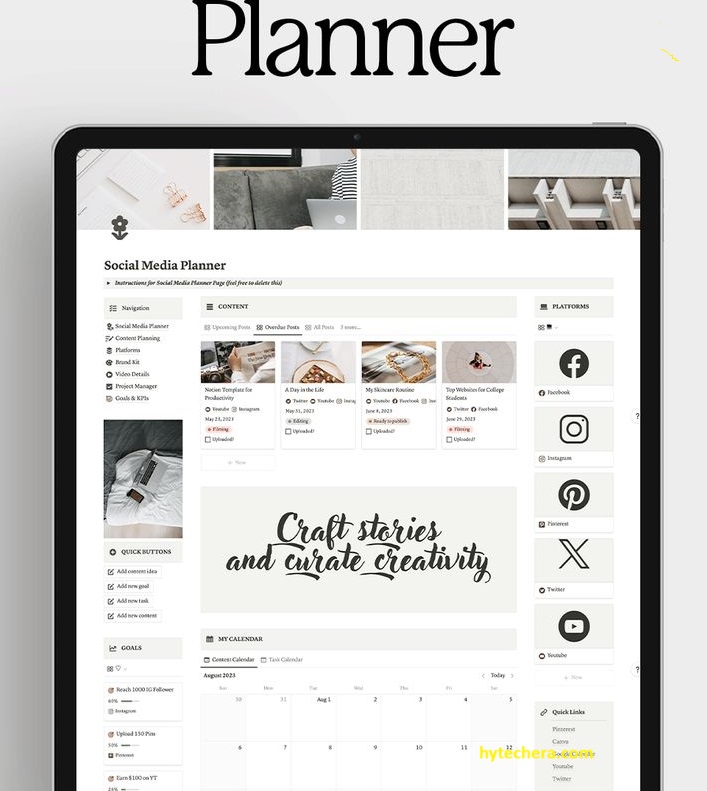
Planning and scheduling your social media posts are now become easy with this content planner feature. With the help of this feature you can directly post on your desired time in a platforms like Facebook, Instagram and more.
How to Use Canva Hidden Features More Effectively
Using Canva’s hidden features effectively is less about learning everything at once and more about applying the right tool at the right time. Instead of exploring features randomly, focusing on specific needs such as faster editing, better branding, or social media consistency helps improve workflow. Over time, this approach reduces design fatigue and improves overall output quality.
Creating a habit of testing one new feature per project allows users to gradually master Canva without feeling overwhelmed. As designs become more refined and reusable, the time spent on repetitive tasks decreases significantly, making Canva a long-term productivity tool rather than just a design platform.
Exploring these lesser-known features changed how I approach design tasks inside Canva, especially for recurring content.
Conclusion :
Canva’s hidden features in 2025 make it more than just a simple design tool. From animations and smart mockups to content planning and document collaboration, these tools help creators save time and produce professional-quality designs with less effort. Whether you are a content creator, marketer, or business owner, learning and applying these features can significantly improve your design workflow. Try incorporating a few of these hidden tools into your next project and experience the difference firsthand.
These are the 10 Hidden Canva Features You Need to Try in 2025. Give i try and take your designs into next phase.