Ghibli Art style studio is known for its hand-drawn animations, landscapes and fantastic characters. But now thanks to AI for generating Ghibli-art style images using OpenAI’s GPT-4o. Here i will guide you, best methods, prompt and tools which helps on step By step guidance on how to create Ghibli-Style Images. Whether you are a digital artist Struggling to create images or you want to transform your photo into art, this guide will help you.
Also read —–> Create Videos from Text with OpenAI Sora – The Ultimate AI tool
When I first tried making Ghibli-style images for my own blog thumbnails, I was shocked how close the AI came to the real Studio Ghibli look — soft lighting, magical colors, and expressive characters.
Now let’s look at what truly defines Ghibli art before we start generating images.
What are Ghibli Art Style images:
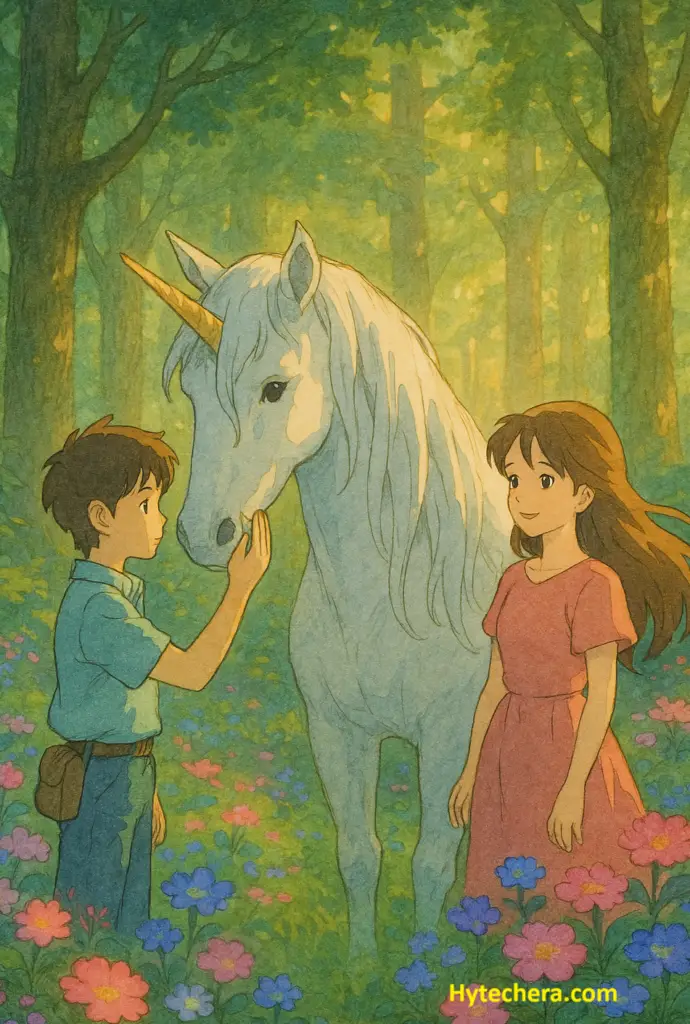
Ghibli-style images are inspired from traditional Japanese art and mythology, highlighted by:
- Big-eyed, expressive characters.
- Soft and golden lighting
- floating landscapes and dreamy forests
Also read –>> How to Use DALL-E in ChatGPT to Create Stunning AI images.
These visual elements make Ghibli-style artwork instantly recognizable, even when generated by AI tools like ChatGPT-4o.
If your first output doesn’t look Ghibli enough, add words like “hand-painted,” “soft pastel tones,” or “Studio Ghibli palette.”
Generate Studio Ghibli-Style images using chatgpt-4o.
Step 1: Login to ChatGPT
- Open browser on your mobile phone and type chatgpt. If you are using chatgpt mobile app, it will also work. Making sure you are logged in with your OpenAI account.
Logging in ensures your generated images, prompts, and edits stay saved inside your account.
2 : Selecting the right AI model which is ChatGPT-4o
- Chatgpt-4o gives you the best results, because of its multimodal generation (which supports both text and image outputs).
- So select chatgpt-4o which is located in the top lest corner in the chatgpt interface.
I noticed that ChatGPT-4o generates smoother lighting and cleaner outlines compared to older models — especially important for Ghibli-style images.
3 : Enter the Detailed Prompt of your imagination
- The quality of generated image is mainly depends on the prompt that you given. So better prompt gives you best result.
- Enter the Prompt that you wish to create an image.
Some Example Prompts:
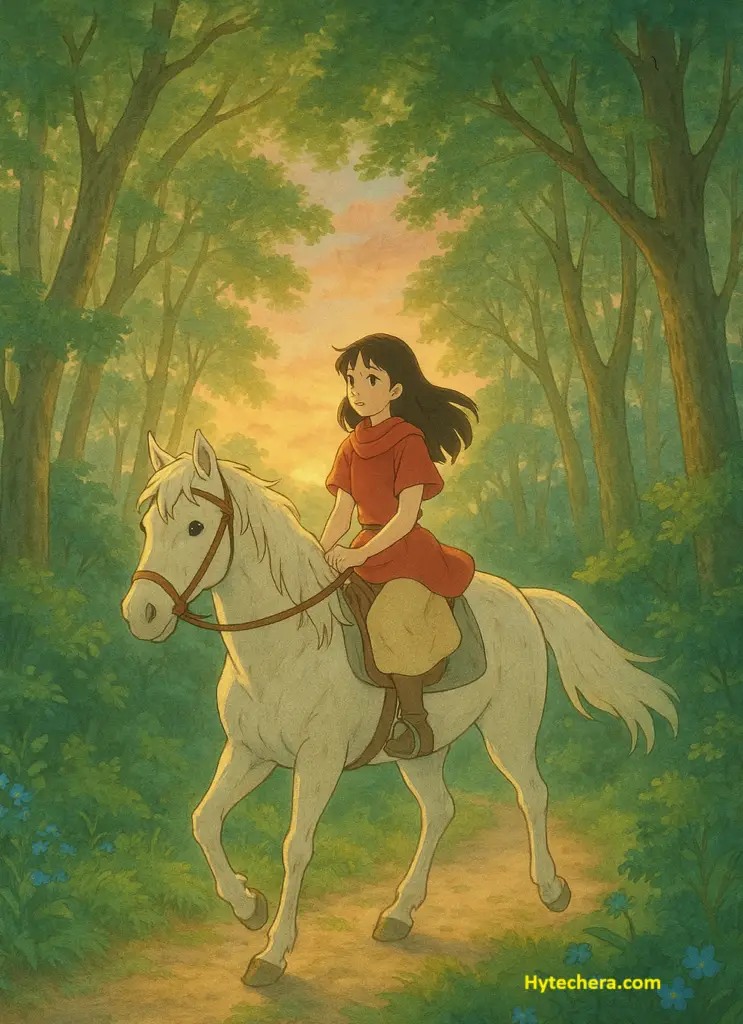
- Generate a Ghibli-style Studio image of beautiful girl riding the horse through a magical forest at sunrise sky in the background.
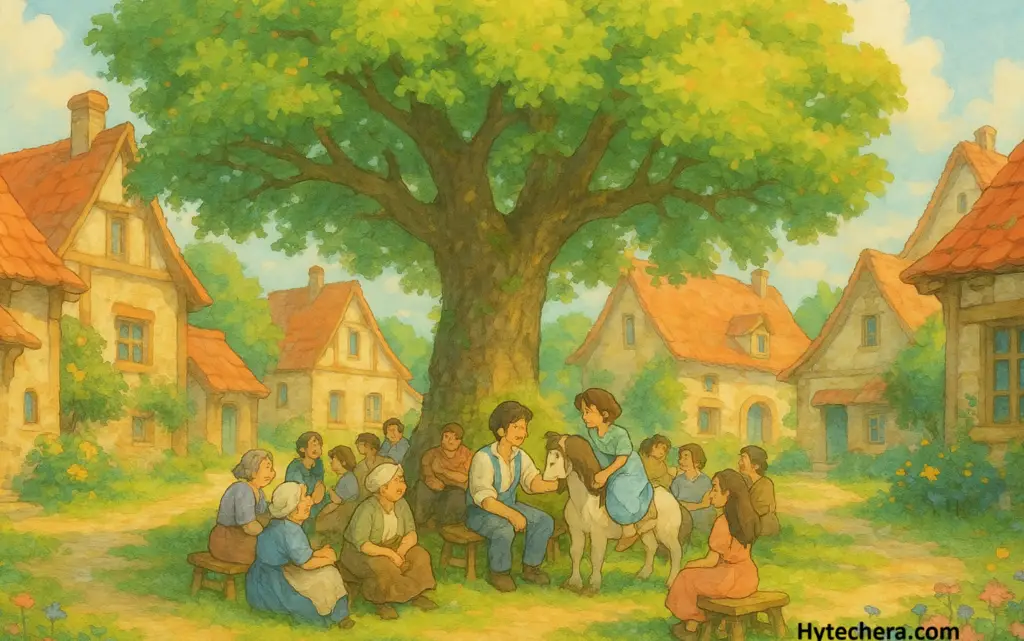
- Create Ghibli-style painting of beautiful village with large tree in the middle of the village, under that tree all the village peoples are sitting and chat with each other.
Short prompt example: “Ghibli-style boy holding an umbrella under glowing lanterns on a rainy night.”
Step 4 : Modify your Image Even More:
Once Image is generated, you can modify or customize the image to look even more beautiful by adding the additional instructions.
More Specifications:
- Make the image more vibrant .
- Add extra details on dress style and hair style.
- By adding more objects or people in the image.
Also read –>> How to Use DALL-E in ChatGPT to Create Stunning AI images.
Many users forget to mention lighting — Ghibli art relies heavily on warm glow, soft shadows, and atmospheric depth. Always specify the lighting mood.
Creating your Own Photos into Ghibli-art Style – free in ChatGPT:
If you are interested and want to experience the transformation of your photos into Ghibli-style. Here i provide a detailed steps .
This part is great if you want to turn your selfie or portrait into a magical animated-style character.
Step 1: Upload the Image of yours
- upload your image into the chatgpt by clicking plus icon in the chat box . This is available only for the chatgpt-4o users.
2 : Asking AI to describe the scene
- Once you upload the image ask chatgpt to describe your image. Like ” Describe the key elements of the image”.
- Then it will provide you with the textual description of the image.
3: Generating Ghibli-style image with the given prompt
- Copy the prompt that the chatgpt given as textual description of your image. Modify it slightly according to your requirements and use this prompt to generate image.
- Within seconds it generate a images with the given prompt in Studio Ghibli-style.
I tried this method with one of my outdoor photos, and the result looked like a perfect frame from a Studio Ghibli movie.
Final Thoughts:
Ghibli-style image creation is more easier. But it creates limited number of images per day, for free user. Chtgpt Plus offers high limit and faster processing. So with this you can bring a life to magical world. Anyway experience of creating Ghibli-style images is fun and easier.
AI artists recommend using shorter, clear prompts first and then refining for color, lighting, and background details.
Try it out ! and share your experience with me in the comment section below.