Smartphone photography tips have become more important than ever in today’s digital world. With smartphones becoming our primary cameras, people everywhere want to capture better photos, improve their creativity, and share meaningful moments online. In this article, we’ll explore the best smartphone photography tips to help you shoot stunning photos with your mobile device.. National Geographic smartphone photography tips
As someone who experiments with mobile photography almost every day for HytechEra, I’ve learned that small changes in angles, lighting, and settings make a huge difference.
smartphone photography is not just about capturing images, it’s a dynamic force that shapes our communication, preserves our memories, and empowers us to be both creators and keeper of our visual story in the digital age
Experts from platforms like National Geographic explain that great photos come from mastering lighting and composition—not just camera hardware.
Social media platforms have a significant impact on smartphone photography. Sharing visuals has become a first priority of communication, fostering a culture where our experiences are shared through images. From sunrise routines to family dinners, the camera in our pockets encourages us to document the beauty in the ordinary, creating a narrative of our daily lives.
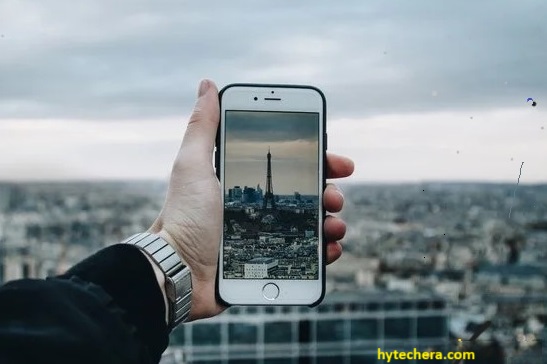
Smartphone Photography Tips: Shooting with Your Phone
Also read –>> Best Smartphones under ₹ 20,00 – Top Picks in 2025
1.Smartphone Photography Tips: Power of Pocket-Sized Cameras
In olden days when carrying a heavy camera was necessary for capturing memorable moments, those days are gone. Today, our pocket-sized phones having a cameras that rival traditional counterparts. With the development of technology smartphone cameras has reached to new heights, delivering stunning images and videos with each tap.
I’ve captured some of my best landscape photos using just a smartphone, proving that modern phones can easily replace basic DSLR needs.
Quick Tip:
Clean your camera lens before shooting—this is a simple but powerful trick most users forget.
2. Beyond Megapixels: Understanding Camera Components
imagine your phone has a camera that captures the magical moments , people often talks about the pixels but there is more than that
lens:
It helps the camera see clearly. Different lenses can capture different things, like a wide-angle lens for big scenes or a macro lens for small details. So, lenses are like the glasses that help the camera see things in a different way.
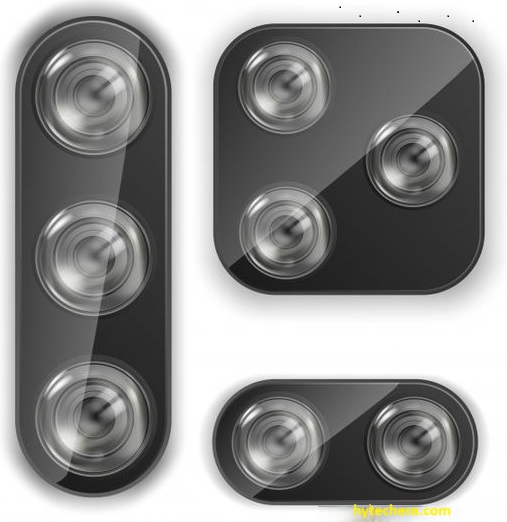
sensors
captures the light and turns it into the pictures that you see. A bigger sensor is like having a bigger piece of film, which is great because it can capture more light and make your pictures look beautiful.
Aperture, image processing, and sensor type play crucial roles, transcending the obsession with mere pixel count.
So, when people talk about megapixels you need all these other things – like good glasses, the right amount of light and a smart brain.
all these parts are working together to make your smartphone pictures more beautiful.
Understanding these components helps you choose the right phone for photography instead of falling for marketing terms like ‘108MP camera.
How smartphone cameras work – smartphone camera tips guide
Tip: A bigger sensor improves low-light photos, which is why some mid-range phones outperform high-megapixel budget phones.
3. Creativity Unleashed: Features and Modes:
Smartphones are designed with many features and shooting modes that encourage users to explore their creativity. Portrait Mode transforms everyday picture into artistic portraits, Night Mode captures the beauty of low-light environments, and HDR balances exposures for striking results. These features democratize photography, putting creative control directly into the hands of users.
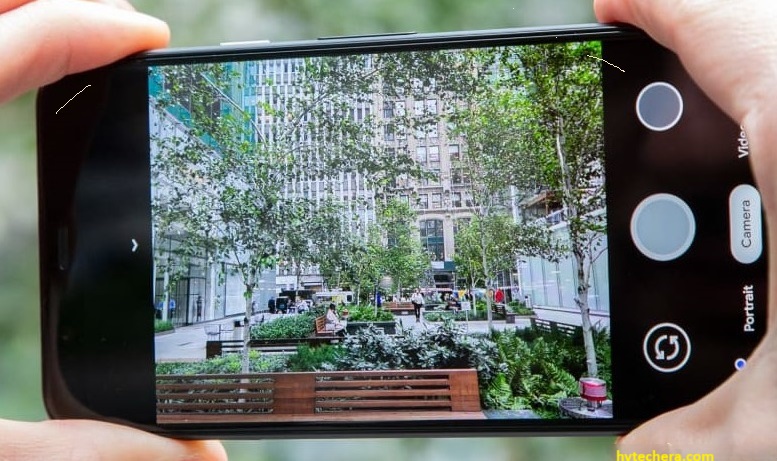
I’ve used Night Mode on several phones, and the difference is dramatic—details become clearer without using flash.
Tip : Always tap to focus before taking a picture; this makes portrait and low-light shots sharper.
4. Mobile Editing Magic:
After taken a photo with your smartphone. Now, here is where the real fun begins the post-capture process. This is like having a magic want to make your pictures look even more beautiful.
Editing Apps:
These editing apps are like photo tool box , it has all the equipment’s that is required to make the photography beautiful. Want to make the colors? There is a tool for that. These apps are like having a bunch of creative helpers right on your phone. The convenience of editing directly on the device unleashes the potential for polished, professional-looking images.
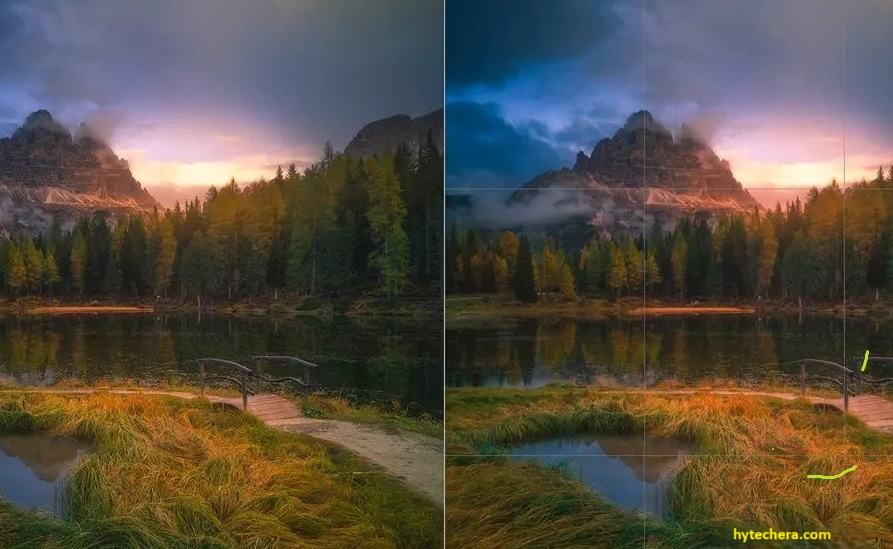
Apps like Snapseed, Lightroom Mobile, and VN Editor are popular because they offer professional tools for free
Warning: Avoid over-saturation or over-sharpening; it makes pictures look unnatural.
Accessorize for Excellence:
For those looking to take their smartphone photography to the next level, a range of tools is available. Clip-on lenses broaden perspectives, tripods provide stability for long exposures, and stabilizers ensure smooth video footage. These additions transform smartphones into versatile photographic tools, capable of capturing a myriad of scenes with finesse.
If you shoot videos, a small tripod or gimbal will instantly improve stability.
Clip-on lenses are great for creativity but avoid very cheap ones—they reduce clarity.
Tapping into the World of Mobile Photography Communities
In the digital world, photography is not just about capturing moments; it is about sharing and learning from a global community. Joining mobile photography communities on platforms like Instagram or Flickr allows enthusiasts to showcase their work, gain inspiration, and engage in a vibrant exchange of ideas.
Posting my work on Instagram photography groups helped me learn composition techniques from other creators.
Tip: Use hashtags like #mobilephotography, #shotoniphone, #shotonandroid to increase reach.
Smartphone Videography:
The capabilities of smartphone cameras extend beyond still photography, delving into the realm of videography. Techniques such as manual control, slow-motion capture, and creative editing apps empower users to tell compelling visual stories with their smartphones.
- Always shoot videos horizontally unless you’re creating content for Instagram Reels or TikTok.
- Lock exposure and focus before recording for smoother footage.
Mobile Photography Challenges and Solutions :
While smartphones have revolutionized photography, they come with their set of challenges. Low-light situations (Use nearby light sources like windows, lamps, or street lights to improve clarity) and limited zoom capabilities (Always move closer to the subject instead of using digital zoom—it reduces quality)can pose obstacles.
However, understanding the limitations and employing creative solutions, such as using available light strategically or exploring alternative perspectives, can turn challenges into opportunities for innovation.
Conclusion: The Future of Mobile Photography
In conclusion, the journey of smartphone photography has reached his heights it demoralize the film making by placing the tools of story telling directly in the hands of creators. As technology continuously evolving the cinematic potential within our pockets becomes more boundless the journey begins with a tap, or record and create end less possibilities .