After buying a new phone everyone is looking to install the mobile apps that our phone needs. If you are having an experience or a beginner with smartphone. Here i will discuss some of the Essential Mobile Apps Every New Phone Needs. I will provide a complete list of must-have mobile apps, lets get started. In this guide, I’ll show you all the essential mobile apps every new phone needs to get started.
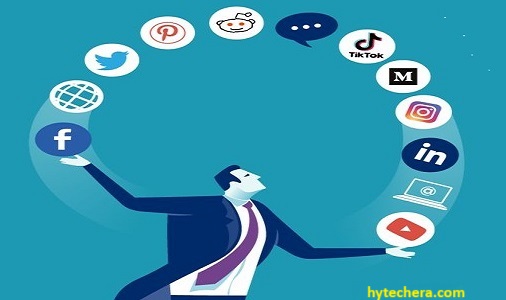
When I bought my latest phone, the first thing I did was install all the essential apps I use every day — that experience helped me create this list for beginners and advanced users.
Let’s start with the most important category: communication apps.
Messaging Apps for new phone
Messaging apps are usually the first apps users install because they help you stay connected instantly.
Also read –>> Best Smartphones under ₹ 20,00 – Top Picks in 2025
WhatsApp is the most powerful and popular app worldwide. It is a messaging app which is used to communicate with your friends and family. we can also send documents, audio, and videos. This very similar to text messaging services.
Personally, WhatsApp is the first app I install on any new phone because most family chats and work updates come through it.
Telegram:
Telegram is also used to communicate with the the people. But most specific thing in telegram is we can send and receive the messages very quickly and in secure manner. Through Telegram on mobile we can share up to 2GB data files which is not possible elsewhere. It is having the features like group chats , channels and also provides encrypted messaging services.
Signal
If privacy is your concern, Signal app is here to address all your privacy concerns. It’s renowned for its robust encryption protocols and commitment to keeping user data private and secure.

Security researchers often recommend Signal for its end-to-end encryption and zero–data collection policy.
Choosing the right communication tools is part of selecting the essential mobile apps every new phone needs.
Tip:
Explore your Messaging experience by exploring these unique features of the Apps such as Telegram’s stickering fun, WhatsApp’s live Status updates, and Signal’s disappearing messages.
Social Media Apps Every New Phone Should Have
Before installing social media apps, check their privacy settings to control what information becomes public.
Facebook:
Facebook is the most popular social media app worldwide, which is used to Connect with friends and family. By joining in the groups of FB you can discover trending content around the world. It owns Instagram and WhatsApp ,the brilliance behind these apps also contributed to making this app powerhouse of the Social media platforms.
Instagram:
Share photos and videos on online to attract followers through stories and reels and create a wide range of content from users around the globe. Instagram is perfect tool for visual storytelling and brand promotion.
I mainly use Instagram for reels and brand updates, and it’s incredibly helpful for content creators like me.
Twitter is a social networking platform that allows groups and individuals to stay connected through the exchange of short status messages. It share all the latest trends where you can stay up to date on what is happening in the world right now. It is a platform where you can follow people that interest you. In twitter we can write any kind of content from politics to movies and music.
tiktok:
It is an app where we can see the of short-length videos and creative content . if you are interested in dance videos it has that, interested in comedy or education it has that clips also
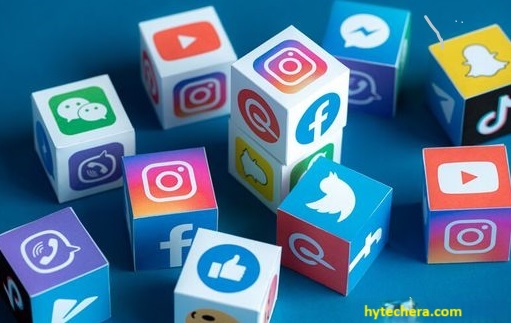
Quick Tip:
If you’re short on storage, install only the social media apps you use daily — these apps consume large memory.
Must-Have Navigation Apps for New Phone Users
Navigation apps are especially useful when traveling or finding new locations for the first time.
Google Maps:
Google maps is used to locate a specific place that you don’t know. It shows a way to the places where you want go. And also shows the local business store and their distance from your location to that store. Google maps shows the real time traffic updates on your way to the store or place. we can use this google maps app without internet connection also. it has a feature called street view, because of this feature it display the images of surroundings before you visit a place.
I use Google Maps offline mode whenever I travel to remote areas — it works even without mobile data.
Waze:
It is similar to google maps, but it provides the details, that if you have traffic jam on your way to work and suggest the best route. This information is given by the real people. With Waze we beat traffic jam, receive alerts about road hazards and avoid accidents . Information given by these app is up-to-date about your route.
Both apps are excellent, but Waze feels more community-driven while Google Maps offers better accuracy.
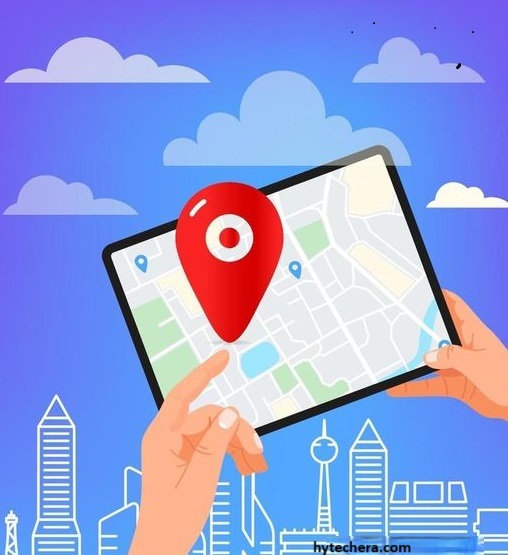
Tip: After experiencing both the Apps you can choose which app is best suite for you and your preferences. Some people use Waze App for its sourced data given by the real people, while others use Google Maps for its advanced features.
Productivity Apps Your New Phone Needs
These apps help you manage work, documents, and communication directly from your mobile.
Microsoft Office Suite:
Microsoft office suite contains Access Word, Excel, PowerPoint, and Outlook on your mobile . if you want to creating documents we can do it by using word .if you want to managing your email inbox use outlook, these tools help you to have got you covered.
Google Workspace Apps:
Google workspace Apps having a bunch of tools to work on projects with colleagues and create documents, presentations, spreadsheets and more using Google Workspace Apps. the Amazing feature that google workspace App is you can save your work on the cloud , and we can easily share them with others and edit in real-time.
I use Google Docs frequently to write drafts for my blog — the auto-save feature is extremely useful.
Entertainment Apps Every New Phone Should Install
Entertainment apps help you relax, stream content, and enjoy music on your new phone.
Spotify:
Spotify App is used to listen the music . It has Stream millions of songs, you can create your own playlists, and listen. when you are boring or working out at the gym you can play and listen the music that you want through Spotify on your mobile phone. You can listen or create playlist according to your taste, it will suggest similar kind of songs for you.
Whenever I’m writing articles, I listen to calm playlists on Spotify — it really boosts focus.
Netflix:
Netflix is an streaming platform where you can watch different types of movies, Tv shows. it streams multiple genres and languages. if you have an Netflix account with an internet you can watch your favorite shows, movies anytime on Netflix.
Kindle:
if your a book lover you must need these app. kindle provides a large number of audiobooks and eBooks. if you want to read the story you can read, otherwise you can listen through audiobooks. instead of carrying a heavy books to read a stories you can use these app to read or narrate a story.
Health & Fitness Apps Your Phone Must Have
These apps are especially helpful if you’re starting a fitness routine or tracking your daily habits.
MyFitnessPal:
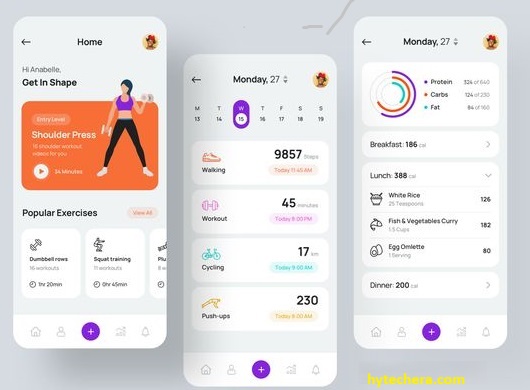
now a days everyone wants to stay fit and healthy, if you are one among them who wants to monitor their health and want to maintain physical fitness. then you must need this app in your phone. if you want to track calories that you take everyday, you can simply know by entering everything you eat throughout the day.
I used MyFitnessPal for a month, and it really opened my eyes to how many calories small snacks contain.
Nike Training Club:
if you are an athlete and you want to focus on your fitness, then you must need these app on your mobile. It feels like you are having a personal physical fitness coach with you when you install these app. These app provides you advise about the workouts, training plans and gives tips from the experts. These will improve your fitness and goals.
Finance Apps Every New Phone User Should Install
Many users install banking apps but forget to enable biometric login — this reduces account security.
Banking Apps:
Having a banking apps on your mobile phone is like having a mini-bank with you. you can manage your transactions with these apps. you can check your account balance, transactions, deposits and credits by using these apps. you can also pay bills from these apps.
Mint:
it is is like having a finance coach in your mobile phone. It helps you to maintain and keep track of you expenses from a group of spending’s. By these we can exactly know where all your money went at the end of the month. It gives you the smart advices for your savings. Mint sets the savings goals and give the suggestions to make smarter decisions.
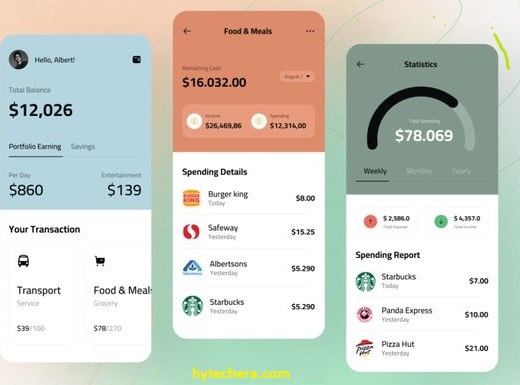
Mint is especially useful for freelancers or students who want better control over spending habits.
Final Thoughts on Essential Mobile Apps Every New Phone Needs
Buying a new mobile is okay, having a right apps in the mobile making all the difference in entertainment, security and productivity. whether it is communication app, social media apps or cloud storage, your mobile should have all the apps that meets your daily requirements.
Make sure to update all apps regularly to improve security and performance.
Did we miss any must have app? Drop you suggestions in the comment box.