Mobile photography has changed completely in 2025. With powerful cameras, AI image enhancement, and advanced editing tools, your smartphone can now produce photos that look professional — without expensive DSLR equipment. But with hundreds of apps available on Android and iPhone, choosing the right photo editing or camera app becomes confusing. This guide simplifies everything by listing the best photography apps in 2025, based on quality, features, and real-world usage.
I test photography apps almost every month for editing my blog images and thumbnails. Many apps promise “AI magic,” but only a few actually improve image quality without ruining natural details. The apps below are the ones that consistently worked well in real use.
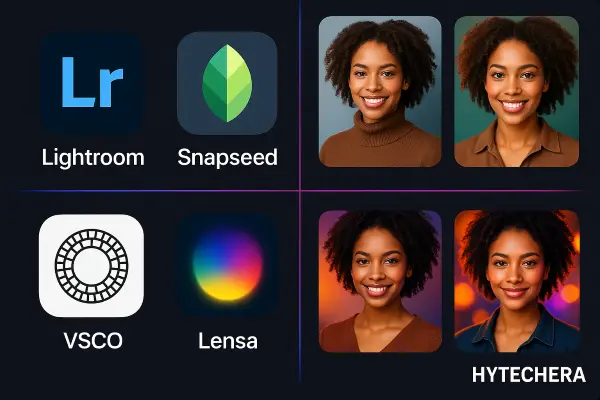
Let’s start with the best overall picks for this year.
1. Adobe Lightroom Mobile (Best Overall Editor – Free + Premium)
Available on: Android & iOS
Lightroom continues to be the most reliable photo editing app for both beginners and professionals. It’s powerful, easy to use, and offers precise control over exposure, color, highlights, shadows, and tone curves.
Why it’s the best in 2025:
- Real-time AI presets
- RAW editing support
- Selective masking
- Powerful color grading
- Best before-after comparison
Free version includes:
- Basic edits
- Filters
- Lighting adjustments
Premium unlocks:
- Healing tool
- Selective masking
- Advanced AI presets
- Cloud sync
If you want serious photography results using your phone, Lightroom should be your first choice.
For more details on Lightroom’s mobile editing tools, refer to the official Adobe page.
2. Snapseed (Best Free All-Round Editing App)
Available on: Android & iOS
Snapseed remains undefeated in the free category. Developed by Google, it offers tools that usually exist only in expensive desktop editors.
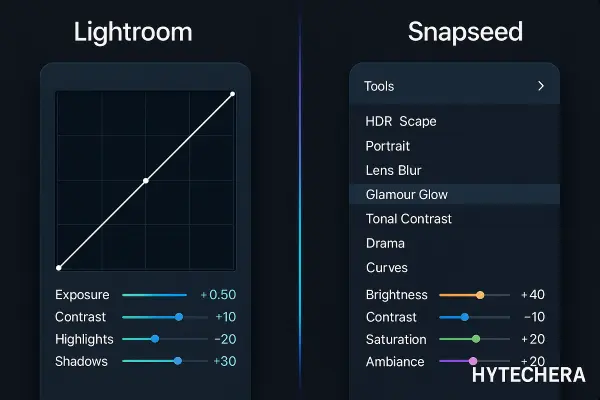
Best features in 2025:
- Healing
- Brush & selective edits
- HDR
- Portrait enhancer
- Lens blur
- Curves
Snapseed is perfect for creators who want professional tools without paying a subscription.
I still use Snapseed for removing dust spots and adjusting shadows because it gives more natural results than many paid apps.
Google also maintains a full overview of Snapseed’s editing features on its official support page.
3. VSCO (Best for Aesthetic & Film-Style Filters)
Available on: Android & iOS
VSCO has a clean editing interface and some of the best film-inspired filters. Ideal for Instagram creators, travel bloggers, and aesthetic content lovers.
Highlights:
- Cinematic filters
- Grain & texture control
- Soft tones and pastels
- Color grading presets
- Minimal, distraction-free UI
Premium includes advanced editing and exclusive filter packs.
4. Adobe Photoshop Express (Best for Quick Fixes)
Available on: Android & iOS
Photoshop Express is great if you want fast, automated fixes without deep manual editing.
Features:
- One-touch enhancements
- Background blur
- Skin smoothing
- Collage maker
- Text overlays
It’s useful for people who create thumbnails or social media posts and want quick, polished results.
5. Lensa AI (Best AI-Powered Portrait Enhancement)
Available on: Android & iOS
Lensa became extremely popular because of its AI portrait enhancement tools and background remover.
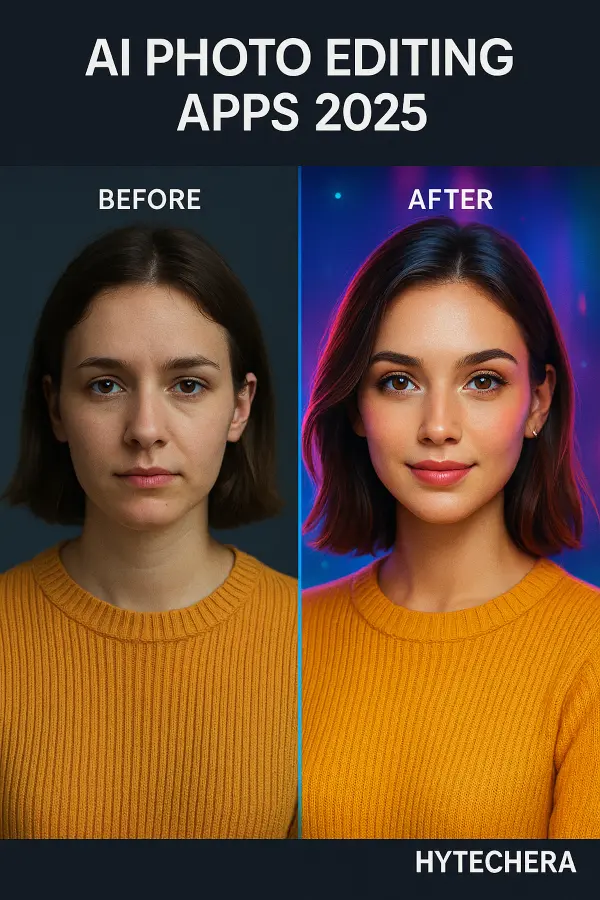
What’s great in 2025:
- AI face retouch
- Background replace
- Magic correction
- Skin smoothing
- Smart filters
It’s especially good for selfies, profile photos, and Instagram portraits.
6. Pixlr (Best for Creative Edits + Social Media Graphics)
Available on: Android & iOS
Pixlr is perfect for users who want creative edits — overlays, double exposure, color splash, text, borders, and artistic filters. It has a powerful free version and one of the fastest editing workflows.
Why it’s great in 2025:
- Creative overlays
- Double exposure tools
- Filters + textures
- Collage templates
- Quick auto-adjust
Pixlr is ideal for students, social media creators, and anyone who wants eye-catching artistic edits instead of technical controls.
7. PicsArt (Best for Thumbnails, Posters & Social Media Edits)
Available on: Android & iOS
PicsArt is not just a photo editor — it’s a complete design tool. It lets you create YouTube thumbnails, Instagram covers, posters, and aesthetic visuals in minutes.
What’s new in 2025:
- AI replace tool
- AI style filters
- Magic effects
- Background remover
- Sticker library
I’ve used PicsArt for quick YouTube thumbnail text and glow effects. It’s fast and saves a lot of time compared to desktop tools.
8. Google Photos Editor (Best Minimal Editor for Everyday Users)
Available on: Android & iOS
Most people underestimate Google Photos. In 2025, its AI tools became even smarter — especially for people who don’t want heavy editing apps.
Best features:
- Magic Eraser (premium)
- HDR enhance
- Color pop
- Blur background
- Light & shadow control
Useful for simple improvements without learning complex tools.
9. ProCam X (Best Manual Camera App for Android)
Available on: Android
If your phone doesn’t give full manual control, ProCam X helps you unlock it.
Manual controls include:
- ISO
- Shutter speed
- Focus
- White balance
- RAW capture
Perfect for users who want DSLR-like control on Android.
10. Halide Mark II (Best Manual Camera App for iPhone)
Available on: iOS
Halide is considered the best camera app for iPhone, known for its pro-grade tools and RAW capture.
Why photographers love it:
- Full manual controls
- Smart RAW
- Focus peaking
- Histogram
- Beautiful UI
If you are an iPhone user, Halide is the closest thing to a DSLR experience on mobile.
11. Lumii Photo Editor (Best for Beginners)
Available on: Android & iOS
Lumii keeps editing simple. It’s lightweight, easy to use, and great for people who want clean results without learning curves.
Best features:
- Filters
- Color grading
- Double exposure
- Sky replacement
- HSL adjustments
The app focuses on speed + simplicity, making it perfect for new creators.
12. Remini AI (Best AI Photo Enhancer & Upscaler)
Available on: Android & iOS
Remini can turn blurry photos into high-quality images using AI. It’s extremely useful for old photos, low-light shots, or images with motion blur.
Works best for:
- Portrait upscaling
- Fixing blurred images
- Enhancing old photos
- Improving low-light pictures
I’ve used Remini to restore old family pictures — AI sharpening gives surprisingly natural results when used lightly.
If you enjoy AI editing, also check my guide on Best Free AI Tools to Edit Photos in 2025, which includes more creative tools for beginners.
Also read –>> Best Free AI Tools to Edit Photos in 2025 (No Watermark)
13. Prisma AI (Best for Artistic & Stylized Photos)
Available on: Android & iOS
If you want your photos to look like paintings or digital art, Prisma is the best choice.
Key features:
- Artistic filters
- AI stylization
- Custom color themes
- High-resolution export
Perfect for creative and experimental editing.
14. Photoleap by Lightricks (Best Creative AI Editor)
Available on: iOS & Android
Photoleap is great for transforming simple photos into dramatic, cinematic images.
Features:
- Sky replacement
- Double exposure
- AI scene creation
- Motion effects
- Photo-to-art transformations
Great for Instagram creators who want standout visuals.
15. Canva Mobile (Best for Designing + Editing in One App)
Available on: Android & iOS
If you edit photos for social media, Canva is essential. It lets you edit photos and design posts at the same time.
Why it’s great:
- Filters + color correction
- Background remover
- Text presets
- Templates for Instagram, YouTube, Pinterest
- AI design tools
Canva is the best mobile option for creating complete social content quickly.
I also explained how to create high-click thumbnails using just your phone in my article How to Create Professional YouTube Thumbnails.
Also read –>> How to Create YouTube Thumbnails (Beginner Guide 2025)
16. Best Mobile Photography Apps for Beginners (Simple & Easy)
If you’re new to editing, these apps are beginner-friendly and still produce amazing results.
Best for beginners:
- Snapseed – Easy tools + great results
- Lumii – Quick filters + sky replacement
- Google Photos Editor – Simple corrections
- PicsArt – Easy effects & templates
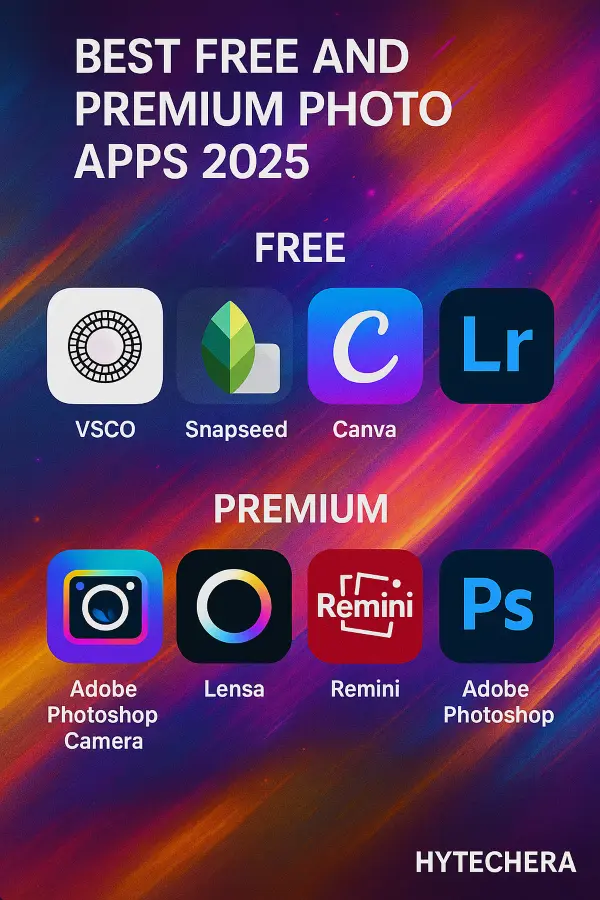
These apps require no learning curve and are perfect for everyday edits.
If you’re an Android user, don’t miss my latest guide on Android 15 Beta Features — many new camera improvements are rolling out in 2026.
Also read– >> Android 15 Beta Features Leaked: Everything New for 2026
17. Best Apps for Professional Mobile Photographers (RAW + Manual Controls)
If you shoot RAW or want DSLR-style control, these apps offer the highest flexibility.
Best for professionals:
- Lightroom Mobile – RAW + selective edits
- Halide (iPhone) – Best manual camera
- ProCam X (Android) – Full camera control
- Photoshop Express – Precise adjustments
These tools let you capture and edit photos with professional detail.
18. Best AI Photography Apps in 2025
AI editing exploded in 2025 — especially for creators who want stunning results fast.
Top AI apps:
- Lensa AI – Portrait enhancement + backgrounds
- Remini – Upscaling + photo restoration
- Photoleap – Cinematic AI visuals
- Prisma AI – Artistic transformations
These apps save time while giving high-impact results.
19. Free vs Premium – Which Should You Choose?
You don’t have to buy premium tools unless you need advanced editing.
Here’s a simple guide:
Choose FREE apps if you need:
- Regular photo corrections
- Instagram edits
- Simple filters
- Basic color adjustments
Snapseed, VSCO (free), Google Photos, Lumii, and Pixlr are enough.
Choose PREMIUM apps if you:
- Edit RAW files
- Shoot professionally
- Need background removal
- Want cinematic filters
- Create YouTube/Instagram thumbnails
Lightroom Premium, Halide, Photoshop Express Premium, and PicsArt Gold are worth investing in.
In my own workflow, I use Snapseed for quick color edits and Lightroom Premium when I need high-quality adjustments for blog thumbnails.
Conclusion — The Best Photography Apps for 2025
Mobile photography in 2025 is powerful, creative, and AI-driven. Whether you’re a beginner, a casual creator, or a professional photographer, there is an app perfectly suited for your workflow.
If you want all-in-one editing:
Lightroom Mobile
If you want advanced manual camera control:
Halide (iPhone) or ProCam X (Android)
If you want AI superpowers:
Lensa, Remini, Photoleap
If you want free but powerful tools:
Snapseed, Pixlr, VSCO
These best mobile photography apps 2025 options help beginners and advanced users edit photos easily.
Start with one app, practice basic editing, and your mobile photos will immediately improve.
FAQs-Mobile Photography Apps to Use
- 1. What is the best free photo editing app in 2025?
Snapseed remains the best free editor for Android & iPhone.
- 2. What is the best professional photo editing app?
Lightroom Mobile Premium
- 3. What is the best AI photo editor?
Lensa AI for portraits, Remini for old/blurry photos.
- 4. Which camera app is best for manual controls?
Halide for iPhone, ProCam X for Android.
- 5. Which apps are best for Instagram and social media?
VSCO, PicsArt, Canva, and Photoleap.