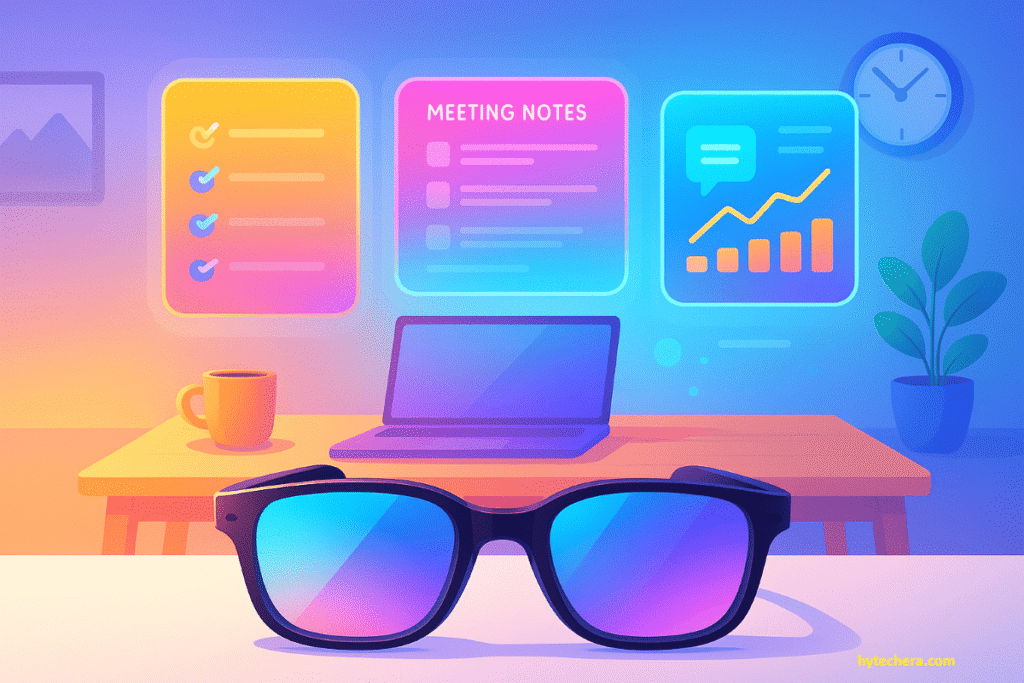
Remote work has changed dramatically over the last five years, but the biggest shift is happening now as AI smart glasses remote work 2026 becomes a major trend. Teams aren’t relying only on laptops, smartphones, webcams, and productivity apps anymore—they are moving toward wearable, AI-powered devices that bring information directly into their field of view.
AI smart glasses are becoming the next major work tool. They sit on your face like normal eyewear, yet behave like an intelligent, hands-free productivity system. They show meeting notes, captions, notifications, tasks, guides, and even virtual monitors—all without switching screens or touching a device.
In 2026, they are poised to redefine how remote and hybrid professionals work, collaborate, learn, and communicate. This guide explains everything: how they work, why they matter, real use cases, best models, challenges, tools, FAQs, and how companies can adopt them smartly.
1. What Are AI Smart Glasses?
AI smart glasses look like normal eyewear but function as intelligent, hands-free computing devices. They combine:
- Augmented Reality (AR) overlays
- AI assistants
- Voice interaction
- Eye/gesture tracking
- Real-time translation and captions
- Virtual displays
- Object recognition
This creates a layer of digital information that appears on top of your real environment. Instead of switching between apps, tabs, and devices, you see the exact information you need—right when you need it.
Smart glasses do NOT replace smartphones or laptops, but they reduce dependency on them by making essential work tools accessible without screens.
2. Why AI Smart Glasses Matter for Remote Work
Remote work still depends heavily on multitasking—juggling between Zoom, Slack, Google Docs, emails, tasks, notifications, and browsers. Every time you switch tabs, you lose focus. Every time you reach for your phone, you break your workflow.
Smart glasses fix this by bringing everything into a heads-up display that keeps your attention in one place.
According to XR Today, smart glasses are becoming a core productivity tool as companies shift toward immersive remote work technologies.
How they solve today’s remote work problems:
- No more tab-switching
- No looking down at your phone
- No juggling between windows
- No need to open multiple screens
- No missing important cues during calls
Instead, notes, captions, timers, reminders, agendas, and prompts float naturally beside your field of view.
This is why major market reports (XR Today, UC Today, Markets & Markets) expect smart glasses to become a primary remote work device by 2026.
According to Markets & Markets, the AR smart glasses market is expected to grow rapidly by 2026 as enterprise teams adopt more wearable and hands-free technologies.
3. Key Features of AI Smart Glasses
AI smart glasses have evolved far beyond the early Google Glass era. Today’s models are slimmer, more powerful, and built for real work.
Below are the strongest features for remote professionals—explained with clear examples.
1) AR Overlays for Instant Information
Instead of opening apps, smart glasses show:
- Meeting reminders
- Task lists
- Speaker notes
- Highlighted action points
- Navigation markers
- Tooltips and guides
Everything appears contextually in your view without interrupting your workflow.
2) Built-In AI Assistant (Your Hands-Free Co-Worker)
2026 wearables come with AI assistants that understand your environment and offer help in real time.
They can:
- Summarize meetings
- Draft replies
- Pull relevant documents
- Identify objects
- Suggest next steps
- Translate on the go
- Capture key moments
You can say commands like:
“Show today’s priorities.”
“Summarize this meeting.”
“Explain this document.”
The AI responds instantly, hands-free.
3) Virtual Multi-Monitor Setup
One of the biggest breakthroughs is the ability to generate floating virtual screens around you.
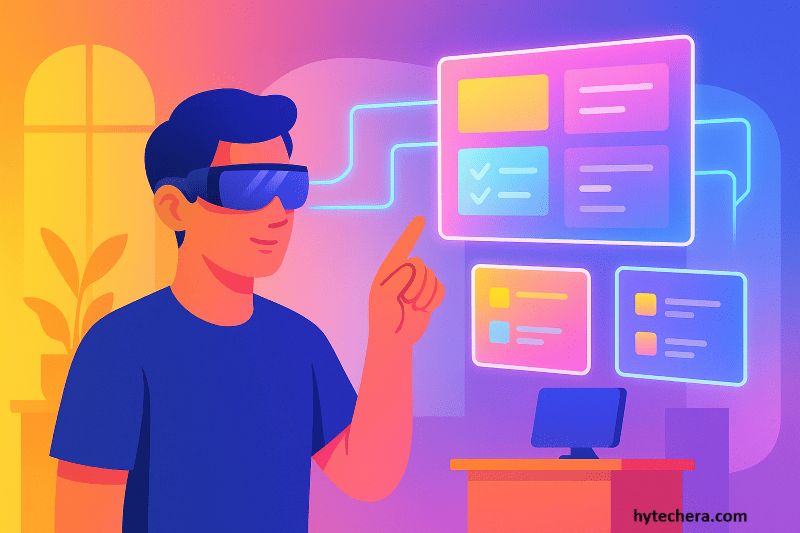
You can set up:
- Main screen for work
- One screen for notes
- Another for chat or video call
- A small panel for notifications
This replaces expensive and bulky multi-monitor setups—perfect for small apartments, students, or hybrid workers.
4) Immersive Meetings & AR Collaboration
Instead of Zoom rectangles, smart glasses support:
- AR whiteboards
- Floating sticky notes
- Real-time annotations
- 3D objects for product teams
- Highlighted speakers
- Spatial audio cues
Meetings feel natural and interactive—not draining.
5) Live Captions & Instant Translation
Great for global teams.
Smart glasses display:
- Real-time subtitles
- Auto-translated speech
- Highlighted keywords
This makes international calls smooth—even with accent or background noise.
6) Gesture & Eye Tracking
No keyboard or mouse needed.
You can:
- Look at an icon to open it
- Gesture left to dismiss a pop-up
- Tilt your head to scroll
- Nod to confirm a command
This reduces hand movement and speeds up task execution.
7) Remote Assistance Mode
A remote expert can see what you see and guide you using AR overlays.
Useful for:
- IT support
- Product troubleshooting
- Engineering
- Operations
- Training
This will be huge in enterprise workflows.
4.How AI Smart Glasses Improve Productivity
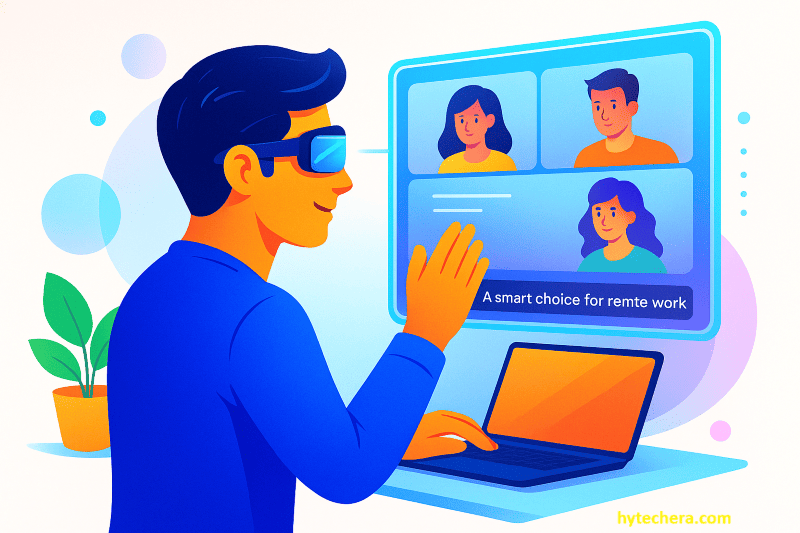
AI smart glasses bring more than futuristic visuals—they directly fix the biggest problems remote workers face: distraction, multitasking overload, screen fatigue, and inefficient meetings. Their real power comes from simplifying the workflow so you don’t constantly switch between devices or lose focus during tasks.
Also read –>> Productivity Gadgets Without Distraction: The Workday Formula for Maximum Focus
Below is a balanced, practical explanation of how they transform productivity.
1) Hands-Free Workflows That Reduce Interruptions
One of the biggest benefits is the ability to work without touching a phone, laptop, or tablet. Everything you need—notes, scripts, captions, or reminders—appears in your view.
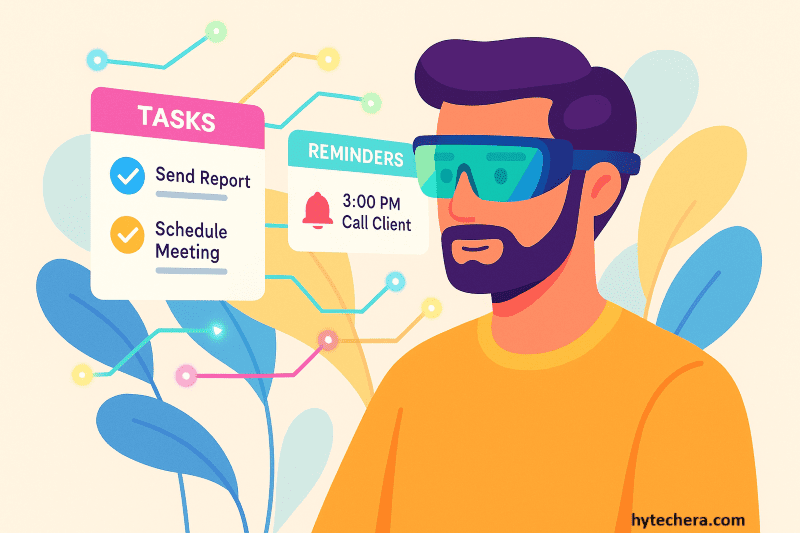
How this boosts productivity:
- You stay completely focused
- No tab-switching
- No reaching for your phone mid-task
- No breaking concentration cycles
A remote worker can present, take notes, and check tasks simultaneously without juggling screens.
2) Less Digital Multitasking (A Major Focus Killer)
Most workers lose hours every week switching between apps, browsers, and devices. Smart glasses cut that down by showing only what’s necessary.
Practical advantages:
- Floating notes beside your work
- Silent reminders for upcoming tasks
- Quick view of notifications without opening apps
Instead of moving between 10 tabs, your eyes stay on one workspace.
3) Better Virtual Meetings With AR Support
Meetings with smart glasses feel more dynamic and less mentally draining. You don’t need to take notes manually or search through documents mid-call.
Features that improve meetings:
- Real-time captions
- Speaker highlights
- Automatic meeting summaries
- AR whiteboards for brainstorming
- Floating screens for agenda + notes
The result is shorter meetings, better clarity, and smoother communication.
4) Faster Decision-Making Through AI Assistance
Smart glasses aren’t passive displays—they actively help you work faster. AI scans your surroundings, identifies context, and delivers what you need.
Example improvements:
- AI shows past client details during a call
- Summaries appear while reviewing long emails
- Glasses display relevant documents automatically
- Suggestions appear for next steps
You spend less time searching and more time doing.
5) Reduced Screen Fatigue
Traditional remote work requires hours in front of bright screens. Smart glasses reduce that stress by projecting lightweight overlays instead of full-screen brightness.
Benefits include:
- Less eye strain
- Better posture
- Reduced blue light exposure
- More natural focus shifts
This helps remote professionals work longer without burnout.
6) Seamless Hybrid Work (Home + Office + On-Site)
Hybrid workers often switch environments during the week. Smart glasses keep workflows consistent regardless of location.
What stays seamless:
- Access to virtual screens
- Floating task reminders
- Meeting notes following you across environments
- AR support for on-site tasks
It’s the closest experience to carrying your entire workspace in your glasses.
5. Real Use Cases for Remote & Hybrid Workers
Smart glasses shine when applied to real-world remote and hybrid work situations. Below are the strongest 2026 use cases that show how they help actual teams.
1) Remote Collaboration & Managers
Project managers benefit from seeing agendas, deadlines, and notes in real time—without leaving a meeting window.
Real example:
A manager speaks to the team while
→ seeing task lists on the right
→ action points appear automatically
→ AI creates a summary in the background
Meetings become more efficient and decisions faster.
2) IT Support & Troubleshooting
Remote IT teams can guide employees visually rather than relying on screenshots or unclear descriptions.
How it works:
- The employee wears the glasses
- IT sees their view
- They annotate cables, steps, or settings
- Problems are solved faster
This eliminates long chat-based troubleshooting.
3) Designers, Creatives & Engineers
People who work with visuals gain the most. Smart glasses allow them to interact with 3D models in a natural space.
Creative advantages:
- Rotate models mid-discussion
- Compare versions visually
- Mark design corrections in AR
- Show prototypes to clients remotely
It brings “in-person design review” into remote settings.
4) Customer Support & Client Teams
Smart glasses display customer history, notes, and guidance without interrupting live calls.
Benefits:
- Faster responses
- Better personal connection
- Reduced errors
- Higher customer satisfaction
This is becoming a popular tool for BPOs and remote support teams.
5) Remote Training & Onboarding
New employees learn faster when instructions appear directly in their view.
AR-based training includes:
- Step-by-step assistance
- Highlighted buttons or hazards
- Interactive learning
- Remote trainer annotations
This reduces training costs and speeds up onboarding in hybrid companies.
6. Best AI Smart Glasses in 2026 (Models + Strengths)
Below are the top models shaping remote work in 2026. This list focuses on practical, work-ready devices instead of experimental hardware.
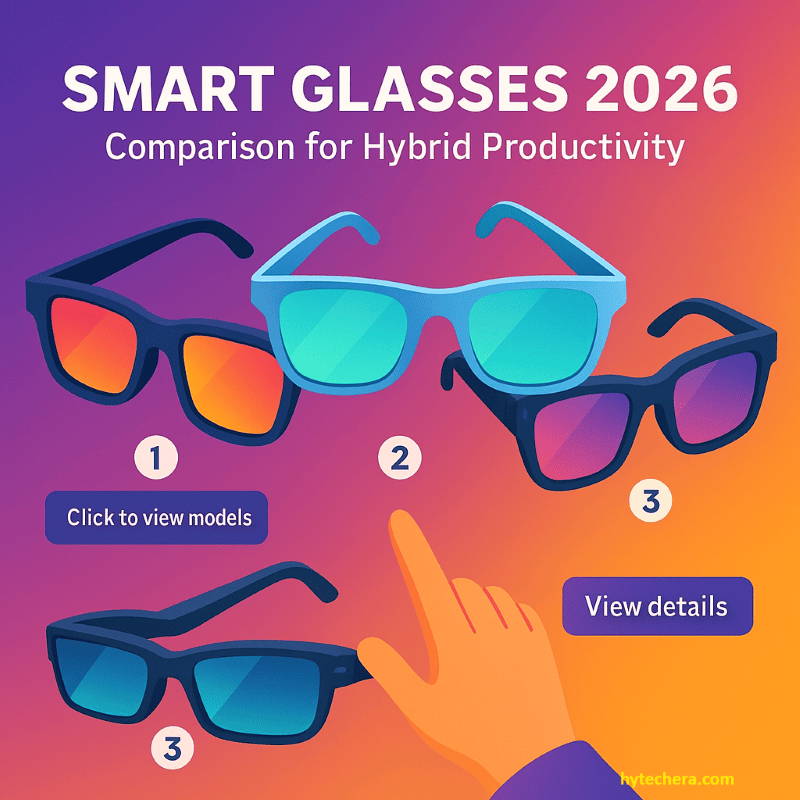
You can explore the official Meta Smart Glasses features, specs, and updates directly on Meta’s product page.
Top Models to Consider:
1) Meta Smart Glasses 2026
Designed for communication-heavy roles.
Great for: Meetings, messaging, captions.
2) Google Smart Glasses (Project Iris)
Excellent AR overlays and Workspace integration.
Great for: Office + productivity users.
3) Apple Vision Lite 2026
Premium AR display quality.
Great for: Creatives, designers, Mac ecosystem users.
4) Lenovo ThinkReality A3
Enterprise-focused with virtual monitor support.
Great for: IT teams, offices, enterprise workflows.
5) XREAL Air 3
Lightweight virtual desktop glasses.
Great for: Programmers, students, multitaskers.
6) Vuzix Ultralite
Light, all-day glasses for simple AR tasks.
Great for: Support teams, logistics, remote inspections.
7.Comparison Table
| Model | Best For | Key Strength | Price |
| Meta Smart Glasses | Remote meetings | AI captions + messaging | $$ |
| Google Iris | Productivity | AR overlays + Workspace | $$ |
| Apple Vision Lite | Creative teams | Display clarity | $$$ |
| Lenovo A3 | Enterprise | Virtual monitors | $$ |
| XREAL Air 3 | Multitasking | Multi-screen workspace | $ |
| Vuzix Ultralite | Support | Lightweight + long battery | $$ |
Even though AI smart glasses offer powerful advantages for remote work, they also come with challenges that companies must understand. A balanced perspective builds trust and strengthens your article’s EEAT value.
8. Challenges & Limitations of AI Smart Glasses (2026)
AI smart glasses are progressing quickly, but they aren’t perfect yet. Below are the most important limitations remote professionals and companies must consider.
1) High Cost of Adoption
Smart glasses often cost more than basic laptops or smartphones.
Businesses must evaluate:
- Hardware expenses
- Software licensing
- Employee training
- Replacement hardware
While prices are dropping, cost is still a barrier for small teams.
2) Learning Curve for New Users
Smart glasses introduce new UI methods—voice commands, eye-tracking, and gestures.
Some employees may take days or weeks to adjust.
What helps:
- Onboarding tutorials
- AR-guided user training
- Practice sessions
- Company-provided training videos
Adoption improves once users become comfortable.
3) Battery Life Limitations
Most smart glasses last 4–8 hours depending on usage.
Heavy AR sessions drain power faster.
Companies often use:
- Quick swaps
- Portable charging cases
- Break scheduling
Battery upgrades are expected in upcoming models.
4) Privacy & Security Concerns
Smart glasses include microphones, cameras, and spatial sensors.
Personal and corporate environments must define:
- Recording permissions
- Compliance rules
- Camera indicators
- Private workspace guidelines
Clear policies prevent misunderstandings.
5) App Compatibility & Integration Gaps
Not all apps were originally designed for spatial computing.
Issues include:
- Older tools lacking AR modes
- Limited integrations for niche apps
- UI mismatch for 3D overlays
Support is improving as more companies upgrade software for AR environments.
9. How Companies Can Adopt AI Smart Glasses Effectively
Successful integration requires planning—not just buying devices.
Here’s a practical roadmap for organizations starting in 2026.
1) Begin With a Pilot Team
Rather than onboarding the whole company, start with:
- 5–15 users
- Managers
- Support teams
- Designers or tech roles
Gather feedback, measure productivity gains, and adjust.
2) Identify Workflows With the Highest Impact
Smart glasses shine where hands-free and AR overlays make meaningful improvements.
Best starting points:
- Remote IT support
- Customer service
- Product design
- Onboarding & training
- Virtual meetings
- Field inspections
Companies should target these first for maximum ROI.
3) Prepare the IT Ecosystem
Ensure enterprise tools are wearable-ready:
- SSO authentication
- Secure cloud access
- AR-supported versions of apps
- Teams/Meet integration
- Zero-trust network policies
This prevents friction during rollout.
4) Provide Proper Employee Training
Training accelerates adoption.
Helpful training flow:
- 20-minute intro video
- 1-hour guided AR tutorial
- 2 days of light practice
- Weekly office hours
Most users become confident after the first week.
5) Implement Clear Privacy Rules
Smart glasses require policies like:
- When recording is allowed
- What data is stored
- When camera mode is disabled
- Where wearables are restricted
A transparent policy builds trust and smooth adoption.
6) Scale Gradually After Pilot Success
Once the pilot proves valuable, expand to:
- Customer support teams
- IT departments
- Sales showrooms
- Field service engineers
- Designers and creative teams
This ensures the technology grows in a stable and productive way.
10. Common Mistakes to Avoid When Using Smart Glasses
Many new users misuse smart glasses and lose productivity instead of gaining it. Avoid these mistakes for a smoother experience.
1) Keeping Too Many Overlays On
Too much AR content = clutter.
Use minimal mode during focus work.
2) Not Using Focus/Work Mode
Disable unnecessary notifications (social, personal apps).
3) Mismanaging Privacy Settings
Always keep recording indicators visible.
4) Ignoring Voice Commands
Voice navigation is often faster than gestures.
5) Wearing Smart Glasses All Day Without Breaks
Follow the 20–20–20 rule to reduce strain.
6) Forgetting Software Updates
AI improvements arrive monthly—keep them updated.
11. Conclusion
AI smart glasses are shaping the next era of remote and hybrid work. They eliminate friction, support hands-free workflows, reduce distractions, and offer immersive collaboration that traditional screens can’t match. As more companies adopt wearable technology and AR-ready apps, smart glasses will become a standard productivity tool—similar to smartphones and laptops today.
Whether you’re a remote worker, hybrid employee, tech professional, or team manager, adopting AI smart glasses early can give you a significant competitive advantage