Imagine you’re working on a report and someone sends you a PDF that needs urgent edits — updated text, corrected layout, new sections, or split pages. A few years back, that meant expensive software or multiple downloads just to accomplish basic tasks. In 2026, thanks to AI-powered PDF tools, you can do most of these tasks for free and within minutes online or with lightweight apps.

The shift to AI isn’t just marketing hype. Modern PDF editors with AI capabilities can:
- Edit text and images directly
- Convert PDFs to and from Word, Excel, PPT
- Summarize long documents in seconds
- Extract tables and structured data
- Maintain formatting integrity
This guide is for anyone — students, professionals, creators, and casual users — who wants to skip expensive subscriptions and get things done quickly with reliable, free tools.
Why AI PDF Tools Are More Than Regular Editors
Traditional PDF editors are great at letting you annotate or add signatures, but they struggle with:
- Understanding document structure
- Rewriting or reorganizing content intelligently
- Generating summaries
- Making sense of long technical documents
AI tools change this because they interpret and transform the PDF content, not just overlay annotations. Some tools can even answer questions about a PDF or generate abstracts — effectively acting like a mini research assistant.
How We Chose These Tools
Instead of listing every PDF tool, we focused on AI-enhanced tools that are:
- Truly free (no mandatory subscription for core features)
- Effective for editing, converting, or summarizing
- Easy to use for beginners
- Regularly updated
- Mentioned in credible tech resources (not just affiliates)
The sources we referenced include comprehensive tool roundups and tech blogs that compare features, real-world usage, and user feedback. You’ll get practical suggestions, not fluff.
Also read –>> Best Free AI Note-Taking Apps for Android in 2026 (Smart Notes Guide)
Best Free AI Tools for PDF Editing in 2026 (By Use Case)
Instead of dumping a long mixed list, this section groups tools by what users actually want to do with PDFs. This avoids confusion and improves usability.
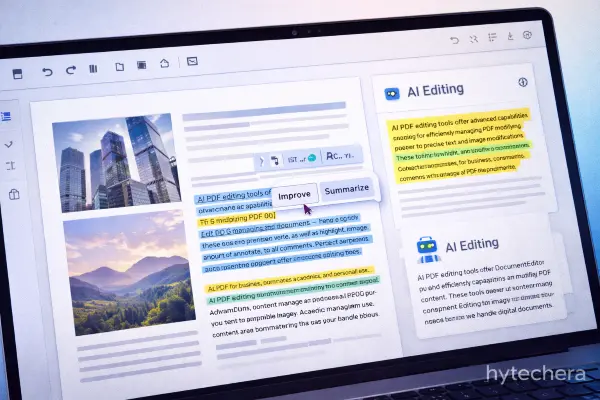
AI PDF Editors (Edit Text, Images & Layout)
These tools allow you to modify PDF content directly, not just annotate.
1. PDFgear (AI-Powered & Truly Free)
PDFgear stands out in 2026 because it combines a traditional PDF editor with built-in AI assistance. You can edit text, rearrange pages, add images, and also ask questions about your PDF using AI.
It works well for:
- Editing documents
- Fixing formatting
- Understanding long PDFs quickly
Best for users who want both editing + AI help without subscriptions.
Limitation:
AI features are limited to reasonable usage per session.
2. Sejda PDF (AI-Assisted Editing)
Sejda offers clean PDF editing with AI support for text recognition and document structure. It’s especially useful for correcting text-heavy PDFs and small layout changes.
Best used when:
- Editing resumes
- Correcting contracts
- Fixing reports quickly
Limitation:
Free version has daily usage limits.
Many professionals rely on free AI PDF tools 2026 to handle daily document tasks efficiently.
Zapier also highlights how modern AI-assisted PDF editors improve editing accuracy and productivity.
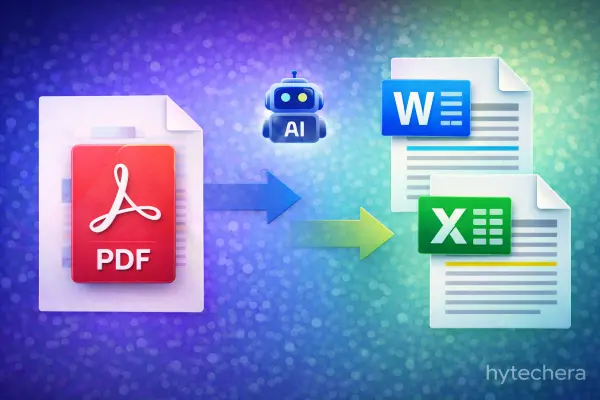
AI PDF Converters (PDF ↔ Word, Excel, PPT)
These tools focus on accurate conversion, preserving layout using AI models.
3. iLovePDF (Smart Conversion Engine)
While known as a converter, iLovePDF now uses AI-assisted layout detection to improve conversion accuracy.
It works best for:
- PDF to Word
- PDF to Excel
- Batch file conversion
Limitation:
Advanced batch features are paid.
Also read –>>Free AI Resume Builder Tools in 2026 (ATS-Friendly & Job-Ready)
4. Smallpdf (AI-Optimized Conversion)
Smallpdf uses AI to understand document layout before conversion, reducing formatting errors.
Good for:
- Students
- Office documents
- Quick conversions
Limitation:
Daily free usage is capped.
AI PDF Summarizers & Readers
This category is where AI really shines in 2026.
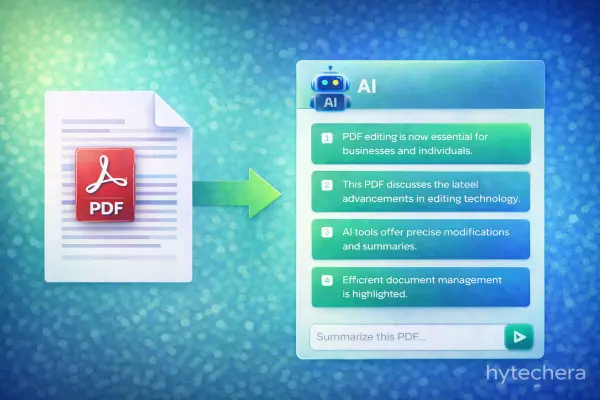
5. ChatPDF (AI PDF Summarization)
ChatPDF lets you upload a PDF and ask questions directly. It can summarize chapters, explain tables, and extract key points.
Perfect for:
- Research papers
- Legal documents
- Study notes
Limitation:
Not suitable for editing PDFs.
6. PDF.ai
PDF.ai focuses on conversation-based PDF understanding. Instead of reading long documents, you interact with them using natural language.
Useful when:
- Reviewing long manuals
- Extracting specific data
- Summarizing policies
Limitation:
Editing features are minimal.
ClickUp explains how AI PDF tools help users summarize and understand large documents faster.
When working with long PDF reports, I’ve personally found AI readers like ChatPDF far more efficient than scrolling page by page. For editing tasks, however, tools like PDFgear are more practical. This combination saves both time and effort, depending on the task.
Who Should Use Which Tool
At this point, you know the tools. Now the real question is which one should YOU actually use. This section helps readers decide without confusion.
Best AI PDF Tools by User Type
For Students
Students usually deal with notes, textbooks, assignments, and research PDFs. The biggest need is summarizing and understanding content quickly.
- Best choice: ChatPDF / PDF.ai
- Why: They save hours by explaining content instead of forcing full reading.
- Use case: Exam prep, assignments, quick revisions.
For Office & Corporate Users
Professionals often need clean edits, conversions, and formatting accuracy.
- Best choice: PDFgear + iLovePDF
- Why: Editing + conversion without heavy subscriptions.
- Use case: Reports, proposals, contracts, resumes.
For Freelancers & Creators
Creators usually receive PDFs from clients that need changes or reuse.
- Best choice: Sejda PDF + Smallpdf
- Why: Reliable text editing and format preservation.
- Use case: Client documents, resumes, invoices.
Mistakes to Avoid When Using Free AI PDF Tools
Many users make simple mistakes that lead to frustration.
❌ Uploading Sensitive Documents Blindly
Free tools often process files on cloud servers. Avoid uploading:
- Government IDs
- Bank statements
- Confidential contracts
Always check privacy policies.
❌ Expecting Full Adobe-Level Editing for Free
AI tools are powerful, but they still have limits. Free versions are best for:
- Light to moderate editing
- Understanding content
- Conversions
For complex design-heavy PDFs, paid tools may still be needed.
❌ Using One Tool for Everything
No single tool is perfect. The smartest approach is:
- One tool for editing
- One for conversion
- One for summarization
This saves time and avoids quality loss.
Also read–>> Free AI Tools for Job Seekers in 2026: Resume, Interview & Skills
Final Thoughts — What’s the Smart Choice in 2026?
In 2026, AI PDF tools are no longer optional — they’re productivity essentials.
The smartest users don’t look for one perfect tool. Instead, they pick the right tool for the right task.
- Need to edit → PDFgear
- Need to convert → iLovePDF / Smallpdf
- Need to understand & summarize → ChatPDF
That combination covers nearly all real-world PDF needs without spending money.
Choosing the right free AI PDF tools 2026 depends on whether you need editing, conversion, or summarization.
From personal experience, using AI PDF summarizers for long reports has reduced reading time drastically, while AI editors handled quick fixes efficiently. Knowing when to switch tools is the real productivity boost.
FAQs-AI Tools for PDF Editing
- Are free AI PDF tools safe to use?
Most are safe for general documents, but sensitive data should be handled carefully.
- Can AI tools edit scanned PDFs?
Some tools use OCR to recognize text, but accuracy depends on scan quality.
- Do these tools work on mobile?
Many support mobile browsers, but desktop gives better editing control.
- Will free tools stay free in the future?
Core features usually remain free, but limits may change over time.