Smartphones naturally get warm — especially during gaming, charging, or watching videos. But when your phone becomes too hot to touch, slows down, or shows a “temperature too high” warning, it means the device is overheating. This phone overheating problem is now affecting most Android and iPhone users, especially during heavy usage or charging
Phone overheating is now one of the most common issues reported by Android and iPhone users in India, especially during summer. If ignored, it can lead to:
- Battery damage
- Performance drops
- Unexpected shutdowns
- Screen dimming
- Charging slowdown
- Reduced phone lifespan
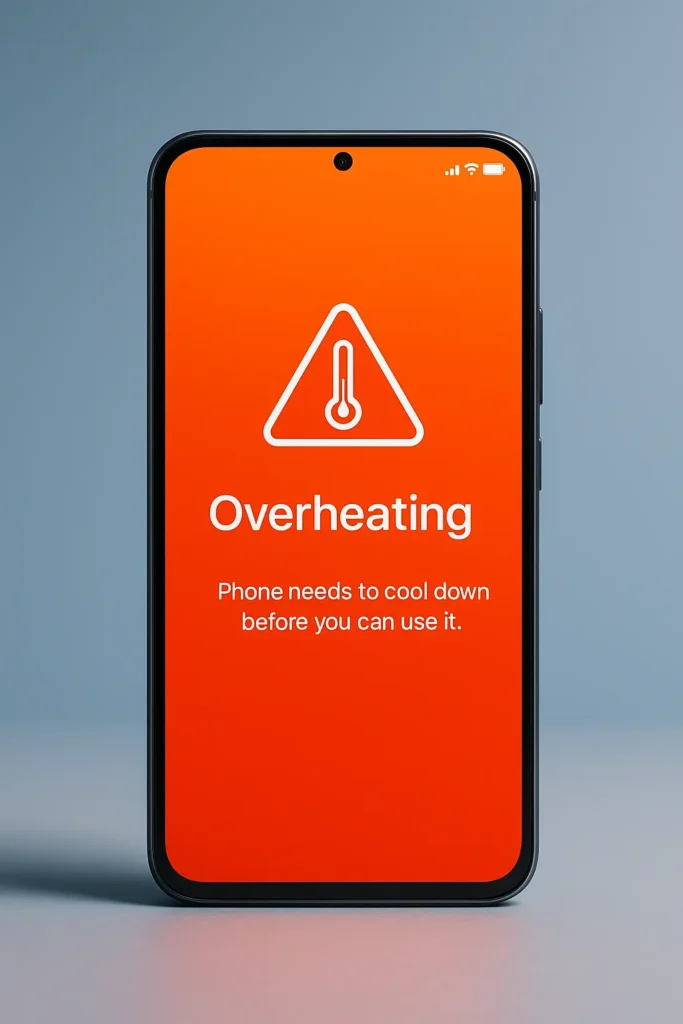
This guide explains why phones overheat, how to fix it instantly, and how to prevent it permanently — based on top resources like Avast, Asurion, Xfinity Mobile, MyVi, and AK Info.
1.What Causes the Phone Overheating Problem?
Your phone heats up when it’s performing tasks that generate more heat than the cooling system can handle. Modern phones are powerful but very compact — meaning heat builds quickly. Most users face the phone overheating problem during prolonged mobile data usage or heavy multitasking.
Here are the actual reasons:
1. Heavy CPU/GPU Load
Intensive tasks push the phone’s processor to maximum capacity:
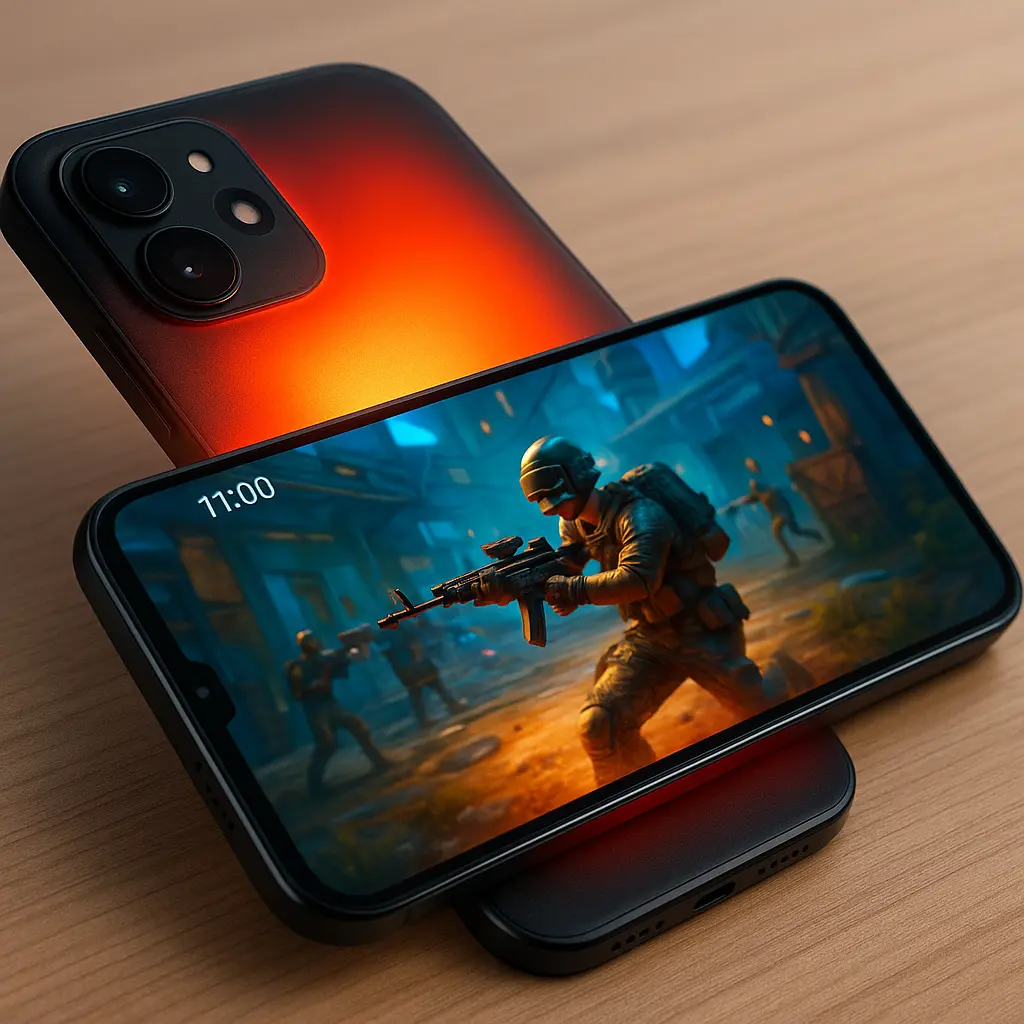
Whenever I play BGMI for more than 20–25 minutes, my phone heats near the camera area first — that’s the CPU/GPU zone working overtime.
- Gaming (BGMI, COD Mobile, Free Fire, Genshin Impact)
- 4K/60fps video recording
I personally noticed that shooting long 4K videos heats my phone faster than normal gaming, especially when recording outdoors.
- Video editing apps like CapCut, VN, Kinemaster
- AR filters in Instagram/Snapchat
- Long WhatsApp or Zoom video calls
Also read –>> Best Gaming Smartphones in 2025 for Every Gamer
Signs of CPU stress:
- Phone becomes hot near the camera area
- Lag during gameplay
- Battery drains quickly
- Apps auto-close
2. Fast Charging & Bad Charging Habits
Fast charging (33W, 44W, 65W, 100W) is convenient but increases temperature.
Your phone overheats if you:
- Charge with a duplicate or cheap charger
- Use a damaged cable
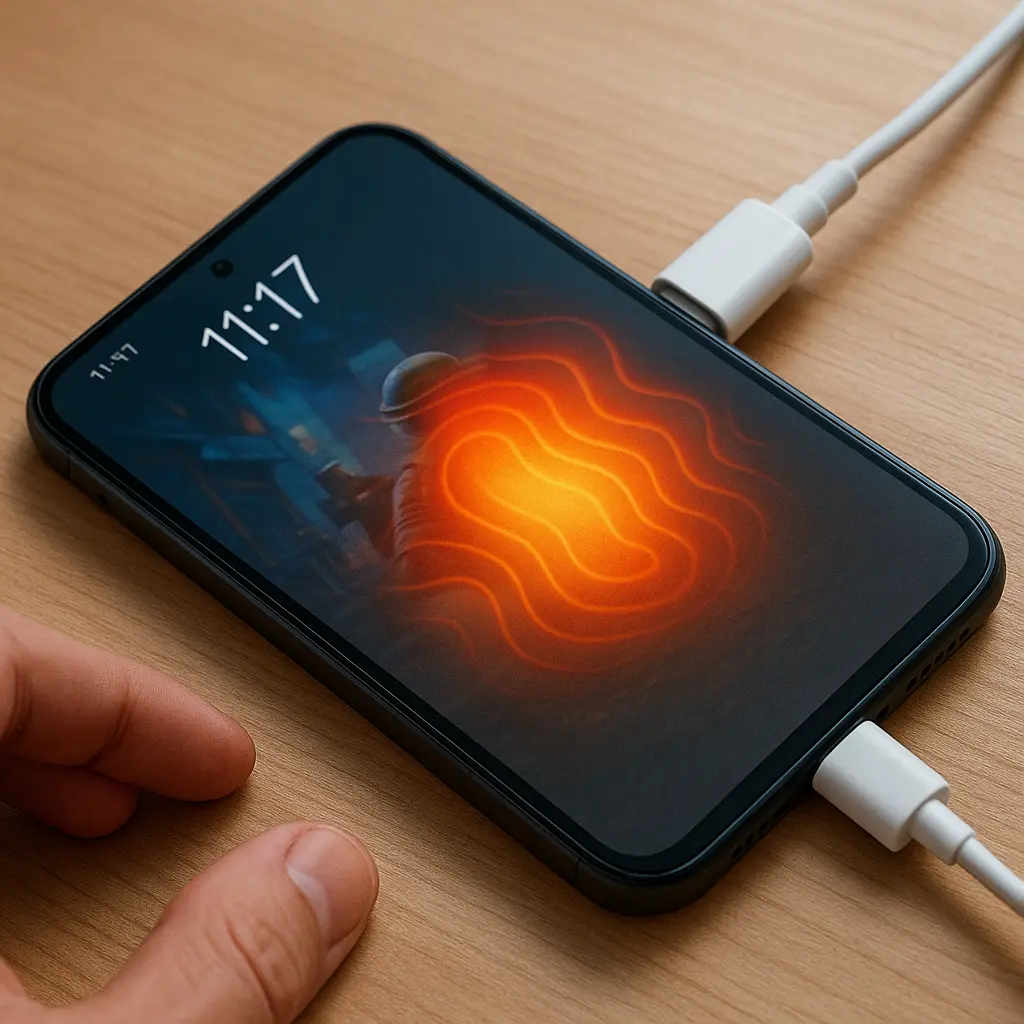
- Charge while playing games
In my own usage, using the phone while charging always heats it almost immediately — especially during summer months.
- Charge the phone under a pillow or blanket
- Charge your phone in a hot environment
This forces the battery + charging IC to work harder → heat.
3. Too Many Background Apps Running
Even after closing apps, they run in the background and use:
- RAM
- CPU
- Internet
- Location services
- Battery
Apps that cause background heating:
- Snapchat
- Google Maps
- Uber/Ola
- VPN apps
- Mobile banking apps
Many times I felt my phone heating even when I wasn’t actively using it, and later found 8–10 apps running silently in the background
Combined with mobile data + location + hotspot → heavy overheating.
4. Environmental Heat (Especially in India)
India’s hot climate is a major factor for overheating.
Phones overheat faster when used:
- In direct sunlight
- Inside cars
- Outdoors during summer
- Near cooking areas
- On beds or cushions
- During long navigation (Google Maps)
Even high-end phones suffer thermal throttling in 35–45° temperatures.
I once used my phone for navigation in direct sunlight, and within minutes it showed a temperature warning and dimmed the screen automatically.
If you want to explore additional safety recommendations, Asurion has a helpful guide on phone overheating safety tips that explains how temperature affects battery health
5. Software Bugs or Poor Optimization
Sometimes the hardware is fine — but the software is the problem.
Common causes:
- New app update causing high CPU usage
- Old outdated OS
- Poorly optimized games
- Buggy background processes
- Faulty widgets
- Corrupted cache files
I remember one update from a popular social app that suddenly made my phone heat up even during simple scrolling — the fix only came after an app update
Updating software often reduces overheating.
If the phone overheating problem continues even after software updates, background apps are usually the main cause.
6. Malware or Suspicious Apps
If your phone gets hot even when not in use, malware is a big possibility.
Signs:
- Sudden battery drain
- Phone heating while idle
- Pop-ups
- Unknown apps installed
- Slow performance
A few months ago, I installed a free wallpaper app, and the phone started heating even in standby mode — uninstalling it fixed the problem instantly.
Malicious apps secretly use CPU power → heat.
According to Avast’s detailed explanation on why your phone gets hot due to malware, background malicious apps can push the CPU to 100% even when the phone is idle.
7. Weak or Old Battery
After 2–3 years, batteries naturally degrade.
Aging batteries generate more heat because:
- Internal resistance increases
- Charge/discharge cycles become unstable
- Fast charging stresses old batteries
Warning signs:
- Battery percentage drops rapidly
- Phone heats during simple tasks
- Back panel bulging
This needs urgent service center attention.
2.Immediate Fixes for the Phone Overheating Problem
If your phone feels hot, apply these steps immediately:
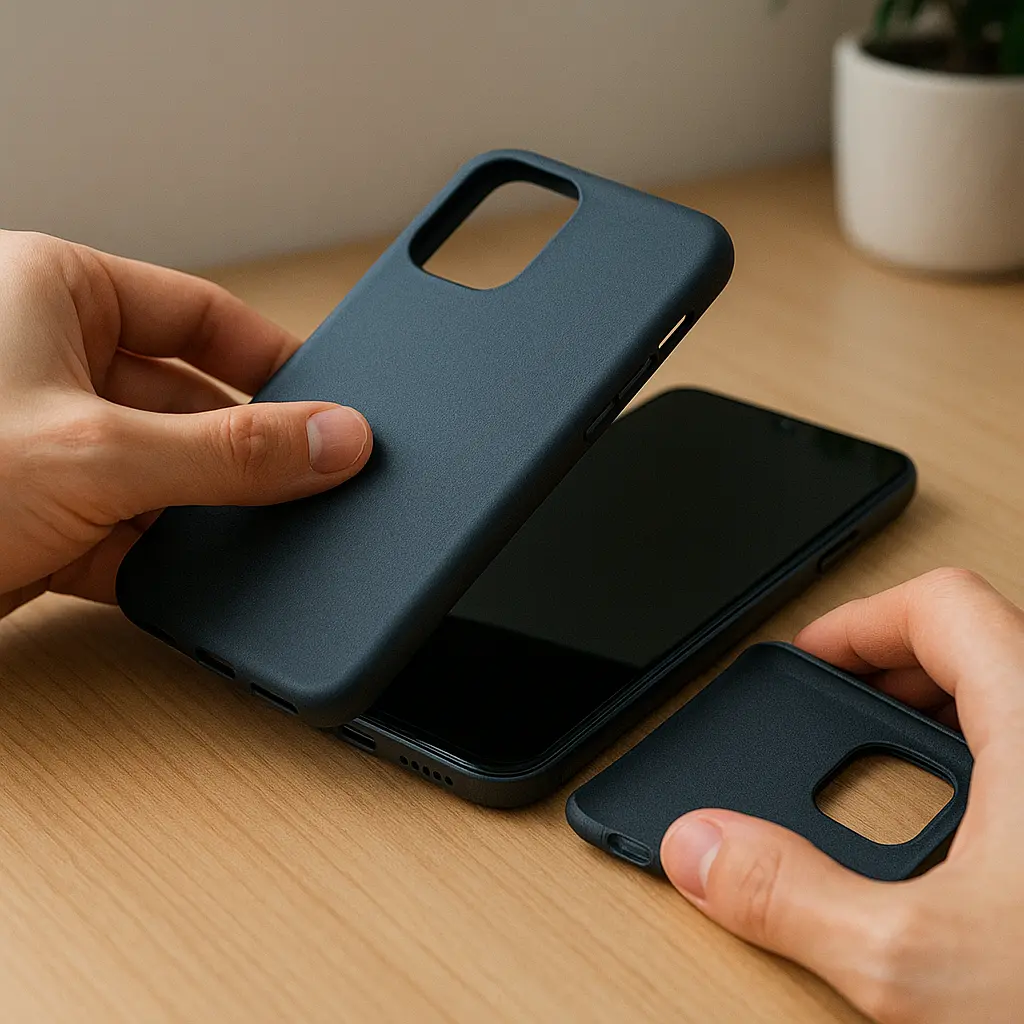
1. Remove the Back Case
Phone covers trap hot air.
Remove the case → temperature drops faster.
Also read–>> Best Smartphones under ₹ 20,000 – Top Picks in 2025
2. Move the Phone to a Cool, Shaded Area
Never cool your phone under:
- Direct fan
- AC vent
- Freezer (very dangerous — condensation damages motherboard)
Let it cool naturally.
3. Stop Charging Immediately
If overheating happens while charging:
- Unplug
- Wait 10 minutes
- Resume charging only after phone cools
4. Turn Off Power-Hungry Features
Disable these for 5–10 minutes:
- Mobile data
- Wi-Fi
- Bluetooth
- GPS/Location
- Hotspot
This reduces CPU load instantly.
5. Close Background Apps
Manually close apps instead of using the “clear all” shortcut.
Also disable:
Settings → Battery → Background Activity Restrictions
6. Restart Your Phone
A simple restart stops hidden processes and resets thermal control.
7. Reduce Screen Brightness
Set brightness to below 50%.
High brightness = high battery drain = heat.
3. Long-Term Solutions to Prevent Overheating
To permanently fix heating issues, follow these habits:
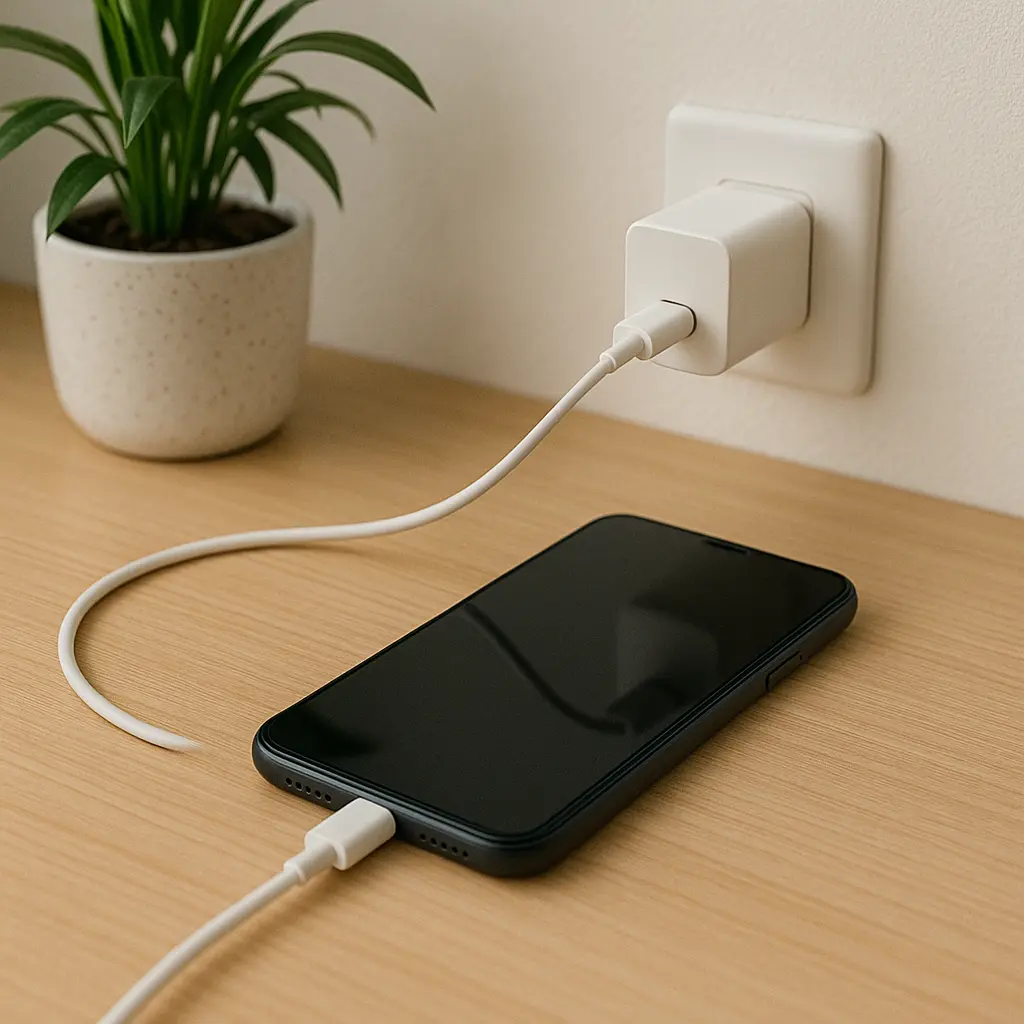
1. Use Only Original or Certified Chargers
Low-quality chargers = unstable voltage = overheating.
Use:
- Original charger
- BIS-certified brands
- Branded cables
2. Avoid Using Phone While Charging
Especially avoid:
- Games
- Video calls
- Navigation
- Camera usage
Phone + charging = double heat.
3. Keep Your Phone & Apps Updated
Software updates fix:
- Battery drain
- CPU-heavy bugs
- Thermal issues
- Background app glitches
Keep:
- OS
- Apps
- Google Play services
updated.
4. Clean Storage Regularly
Low storage increases CPU work.
Every week:
- Delete unused apps
- Clear app cache
- Remove duplicate photos
- Move large files to cloud
5. Maintain Good Charging Habits
- Don’t charge from 0% to 100%
- Best battery range: 20%–80%
- Avoid charging your phone inside bags or pillows
6. Use Auto-Brightness
Auto brightness reduces heat better than manual max brightness.
7. Turn Off 5G if Not Needed
5G modems generate more heat compared to 4G.
4. When Overheating Becomes Dangerous
If you find these symptoms → go to a service center immediately:
1. Battery swelling
Back panel is bulging? Dangerous.
Stop using immediately.
2. Phone keeps overheating even when idle
Possible malware or hardware failure.
3. Burning smell or smoke
Severe battery damage.
4. Phone turns off automatically
Thermal protection triggered.
5. Charging becomes extremely slow or fast
Sign of battery or charging IC damage.
5. Safe Charging Tips (Most People Don’t Know These)
- Never charge your phone under a pillow
- Avoid fast charging during summer
- Don’t use local chargers
- Don’t keep your phone in cars under sunlight
- Use slow charging at night
- Keep phone away from kitchen heat
- Don’t use your phone for heavy tasks during charging
These simple habits dramatically reduce overheating issues.
6. My Personal Observations From Real Usage
Based on my own usage and the devices I have handled:
- Cheap ₹150 cables cause more heating than original cables
- Video calls heat phones faster than gaming
- Instagram + mobile data = guaranteed heat
- Cases with poor ventilation increase heat by 10–20%
- Older Snapdragon processors heat more easily
- Using Maps in sunlight is one of the top heating triggers
These real-world patterns help you understand the problem better.
Conclusion
These steps will help you fix the phone overheating problem and maintain your device’s long-term performance. Phone overheating is common, but if you handle it correctly, it’s easy to control.
Most issues come from:
- Heavy usage
- Fast charging
- Background apps
- Poor charging habits
- High temperatures
- Old battery health
By following the prevention tips and safe charging methods above, you can significantly extend your phone’s lifespan and keep performance stable.
If the phone continues overheating even after applying all fixes, it may indicate:
✔ battery damage
✔ charging IC issues
✔ software corruption
✔ hardware fault
In such cases, visit an authorized service center.
FAQs of Phone Overheating Problem — Real Causes & Easy Fixes
- 1. Why does my phone get hot while charging?
Fast charging, faulty cables, and poor ventilation.
- 2. Can I put my phone in the fridge to cool it?
No!
Moisture = motherboard damage - 3. Why does my phone heat up while gaming?
CPU + GPU usage is extremely high.
- 4. Is phone heating normal?
Warm = normal
Too hot = not normal - 5. Does overheating damage my phone?
Yes, it reduces battery health and performance over time.